 GPS
GPS
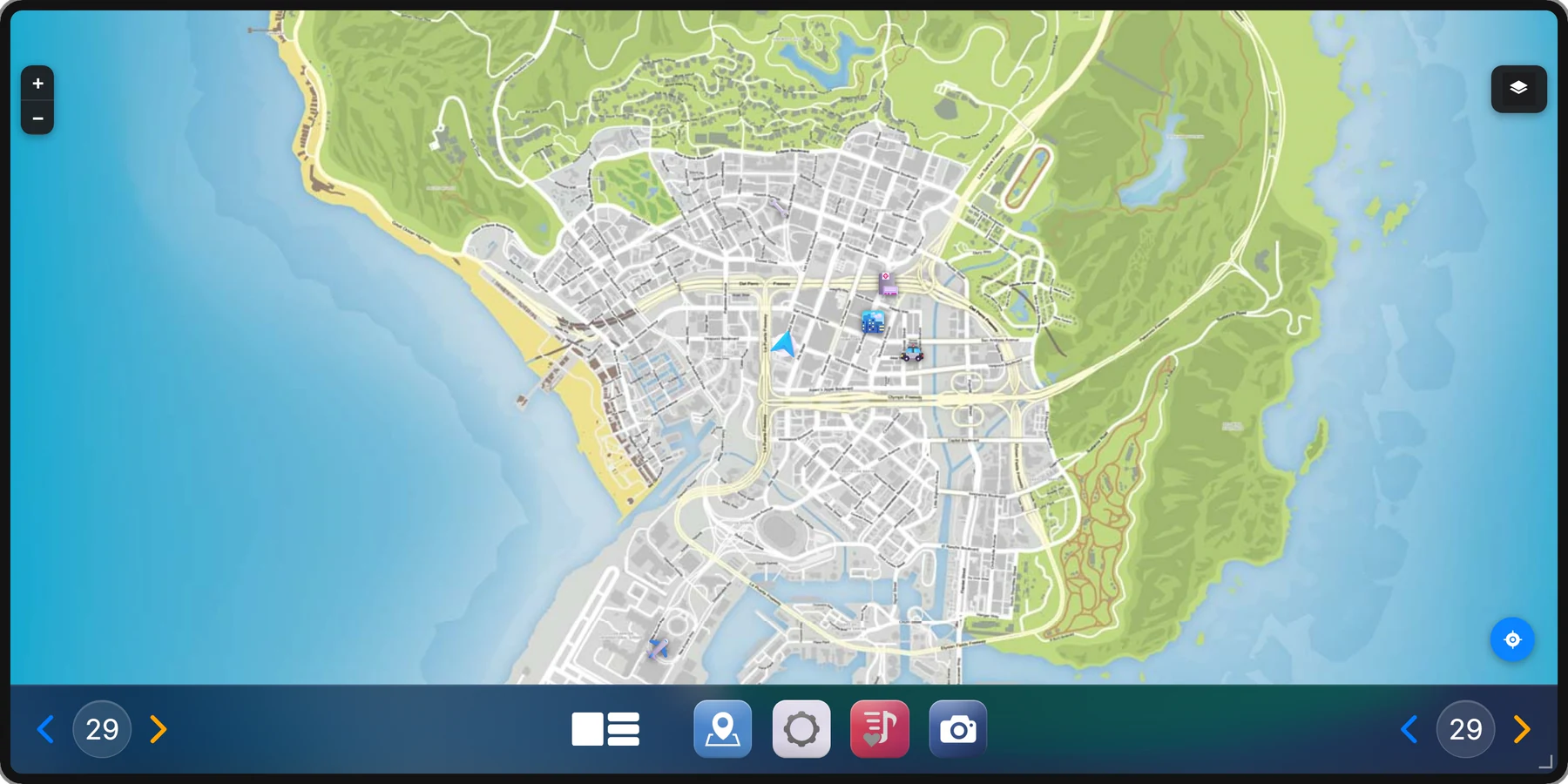
Real map tiles, not a picture of a map.
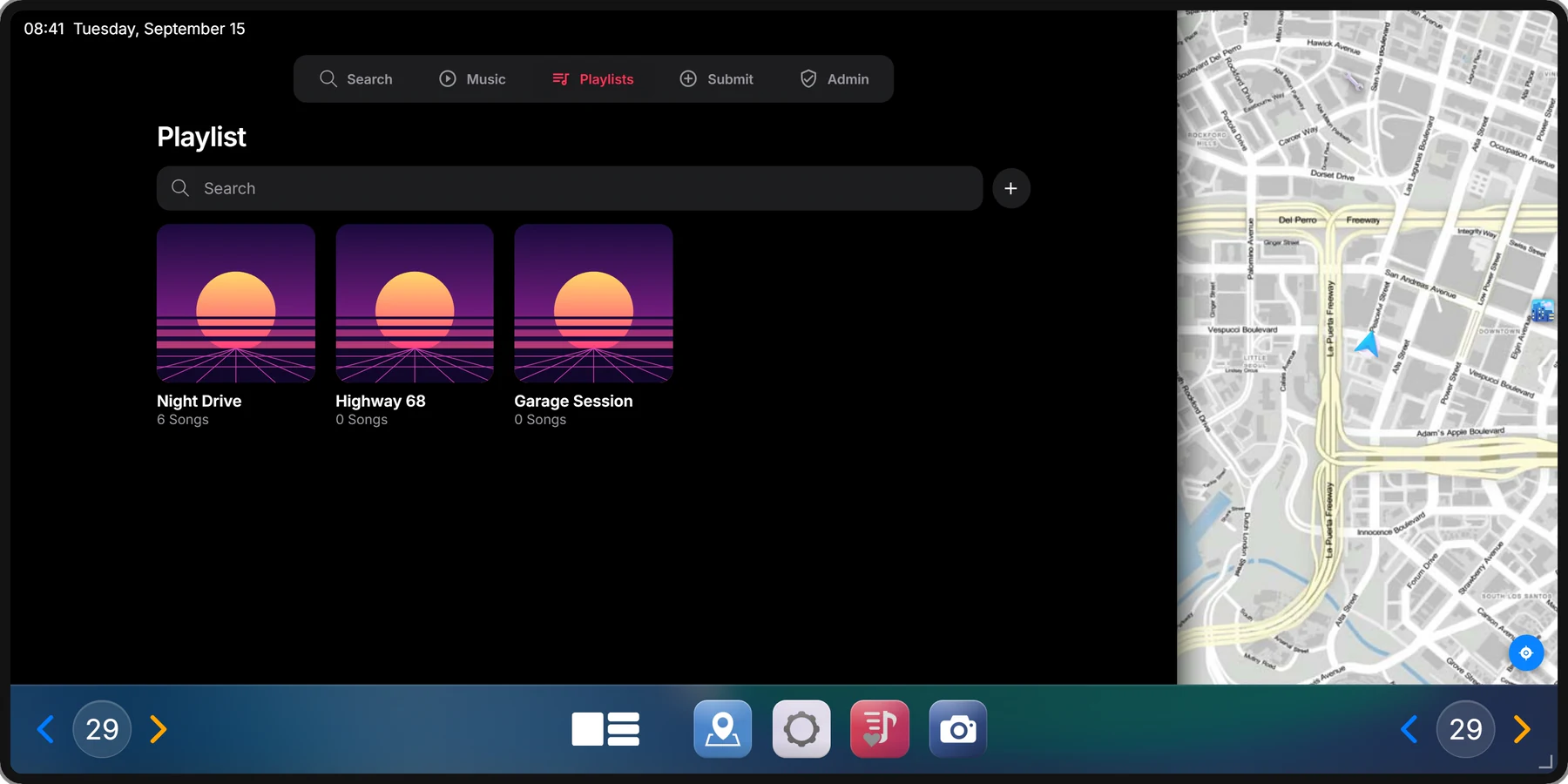
The GTA map as tiles you pan and zoom. Follow the car, tap to set a waypoint, keep up to 50 named places and jump to the server's own locations. Saved places are the same list RoadPhone keeps.
In-car infotainment for FiveM
A real car screen, in every car on your server.
Ten apps on a screen you drag, resize and shape to the car. A rear camera that opens by itself, music the whole street can hear, and a wallpaper each plate keeps.
Display
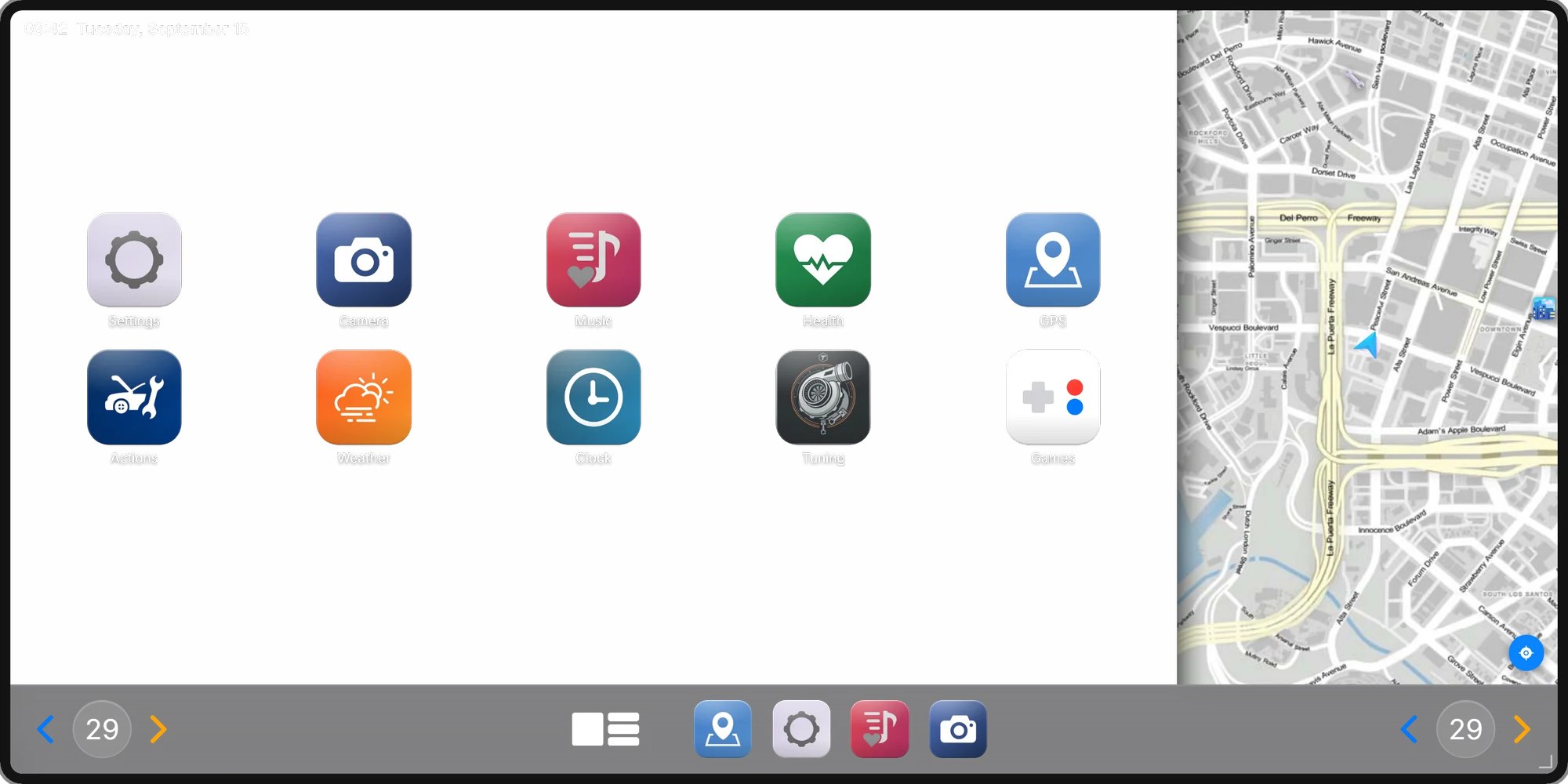
Drag it by the top edge, pull the corner to resize, or pick a preset. The layout follows — and once the screen is wide enough, the live map moves in beside the apps.



Scroll to resize
Rear camera & parking sensor
Keep reversing for 1.2 seconds and the rear camera opens by itself — a tap on the brake never flips the view. Or press LSHIFT, as a toggle or held.
Wallpaper & gradient editor
This is the editor from the car, running on this page. Linear, radial or conic, two to eight colour stops, angle, grain and vignette. Go on.
Drag a handle to move a colour. Tap the bar to add one.
Music
Music plays from the car itself, positioned on it, for everyone around. And how far it carries depends on what is happening to the car.
Faster than 30 km/h
Ranges with xsound, the default audio resource. The two standing ranges are set in the config.
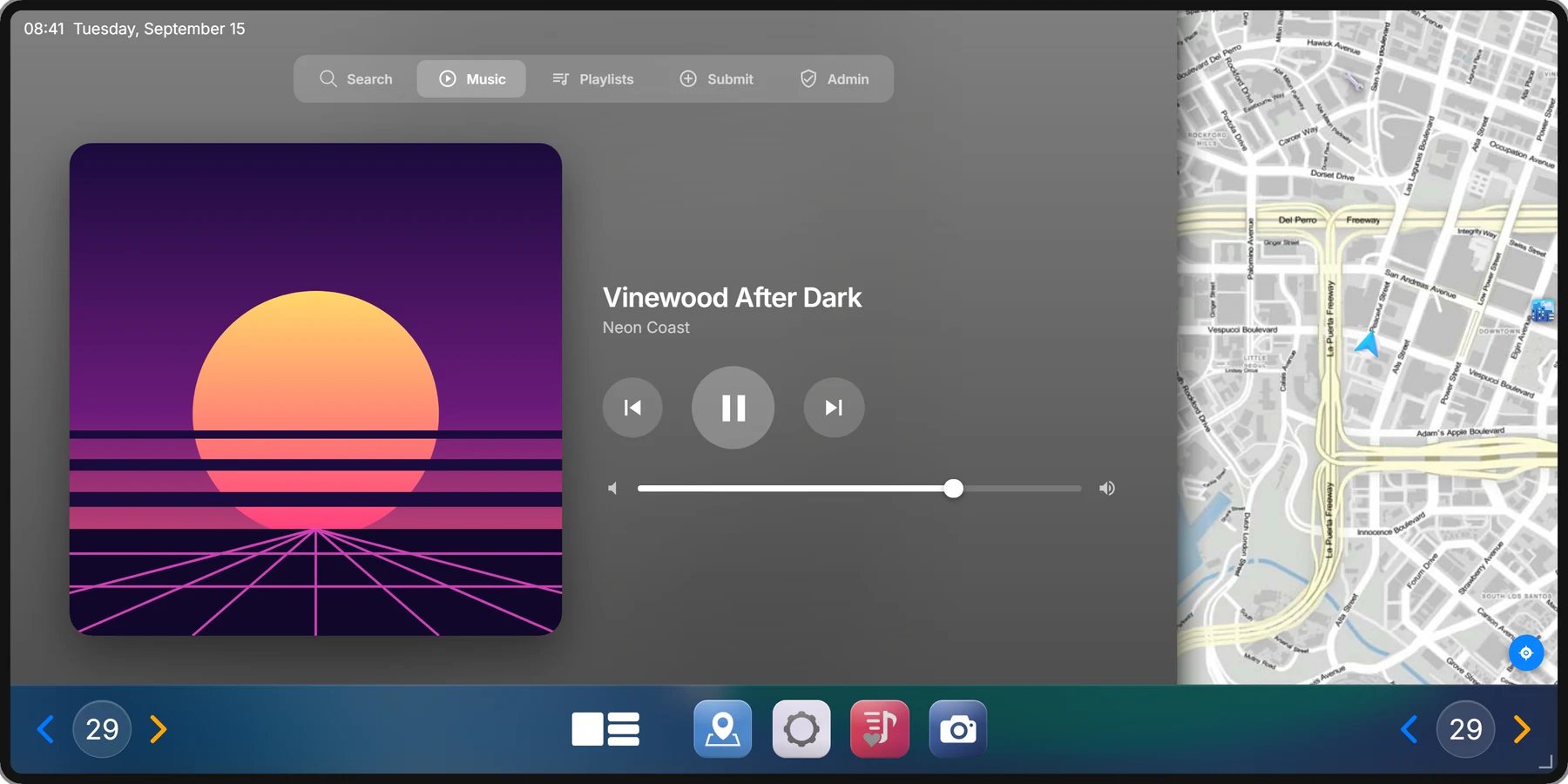
YouTube links and direct audio URLs, a curated song library — or your own HTTP endpoint with your whole catalogue behind it.
Songs reach the library through an in-game submission, and admins approve them in-game.
Create, edit, share and copy them. Autoplay moves on to the next song.
What is playing, paused or skipped is synced to every occupant.
Built in, next to autoplay.
xsound by default, mx-surround supported.
Apps
Every one of them works in all five shapes. Every name and icon is a placeholder you can rename and replace — no real-world brands anywhere.
GPS
The GTA map as tiles you pan and zoom. Follow the car, tap to set a waypoint, keep up to 50 named places and jump to the server's own locations. Saved places are the same list RoadPhone keeps.
 Actions
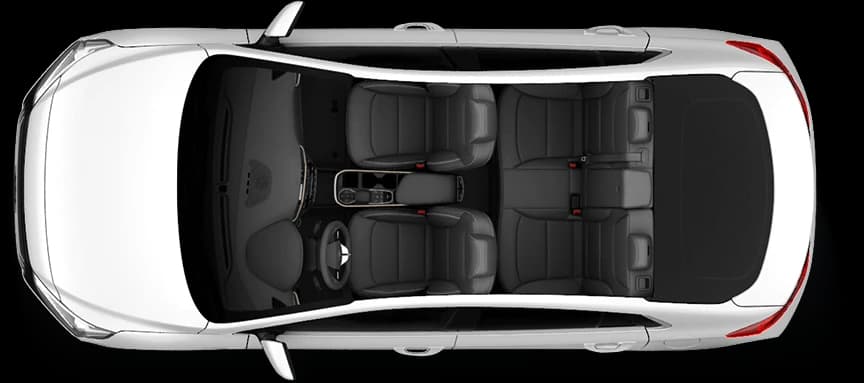
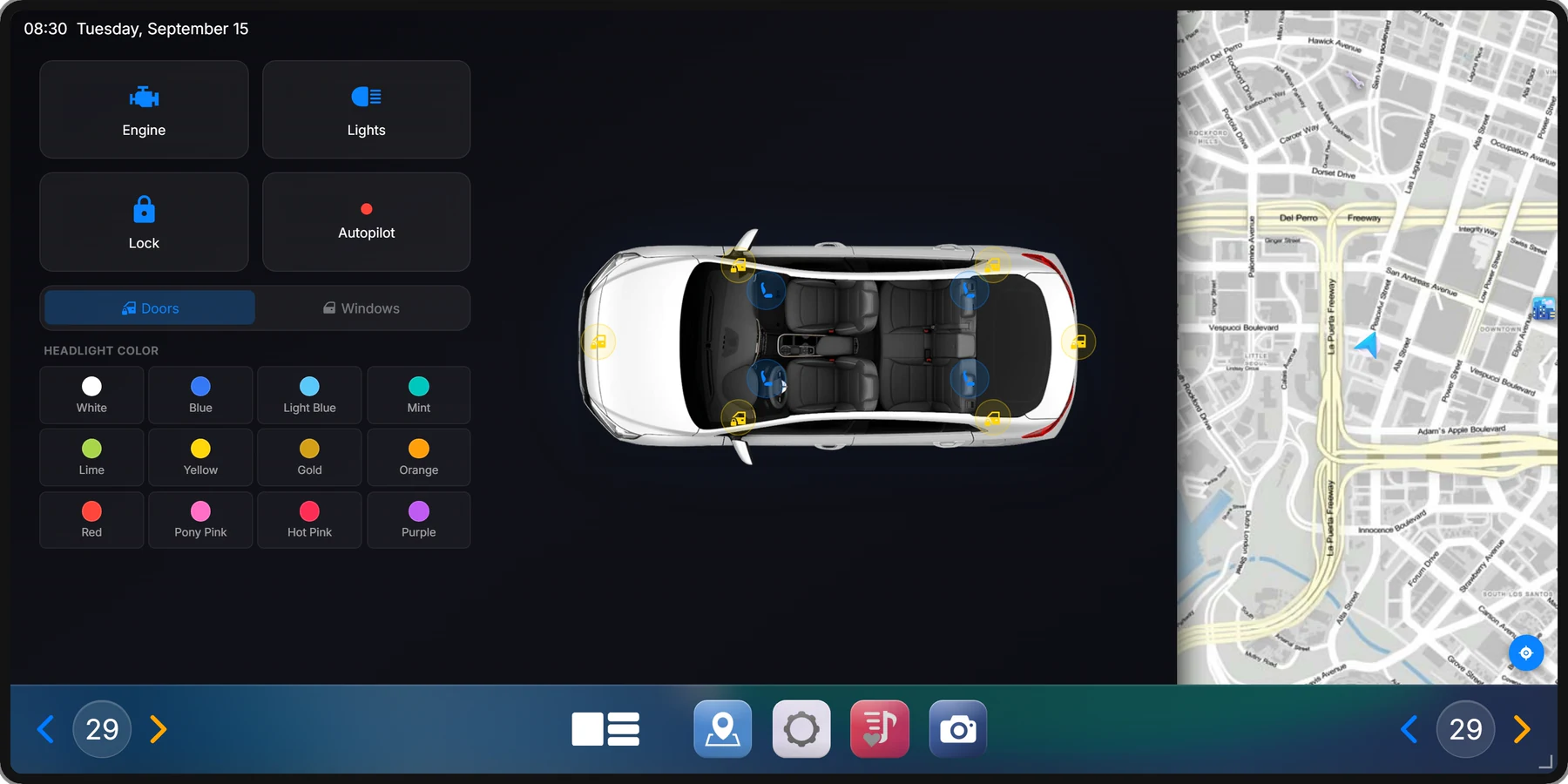
Engine, interior light, lock and autopilot. Six doors, four windows and four seats on a top-down view of the car, and twelve headlight colours.
 Health
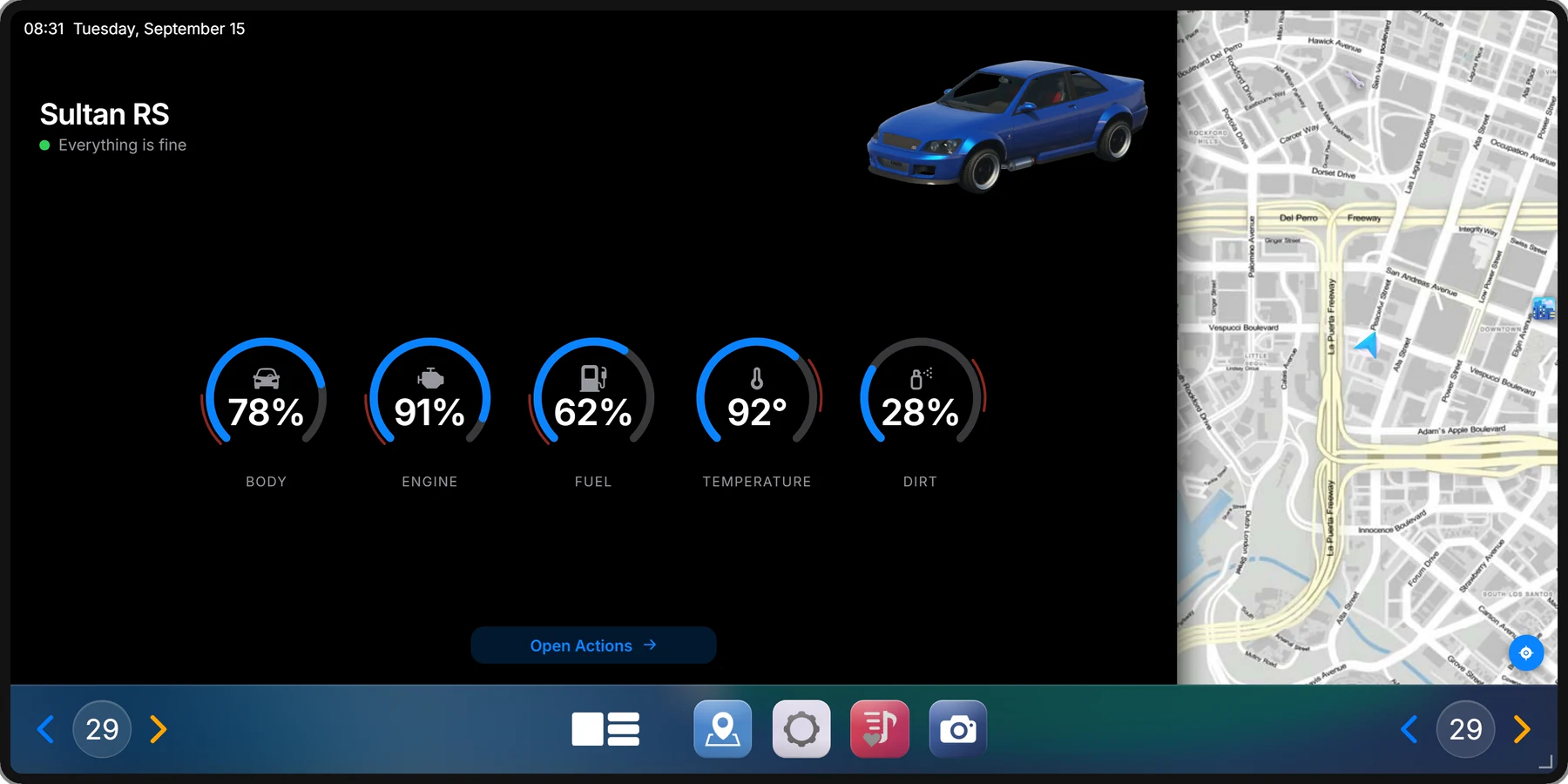
Body, engine, fuel, temperature and dirt on five gauges — and one line that says what they add up to. Everything is fine, needs attention soon, or check now.
 Tuning
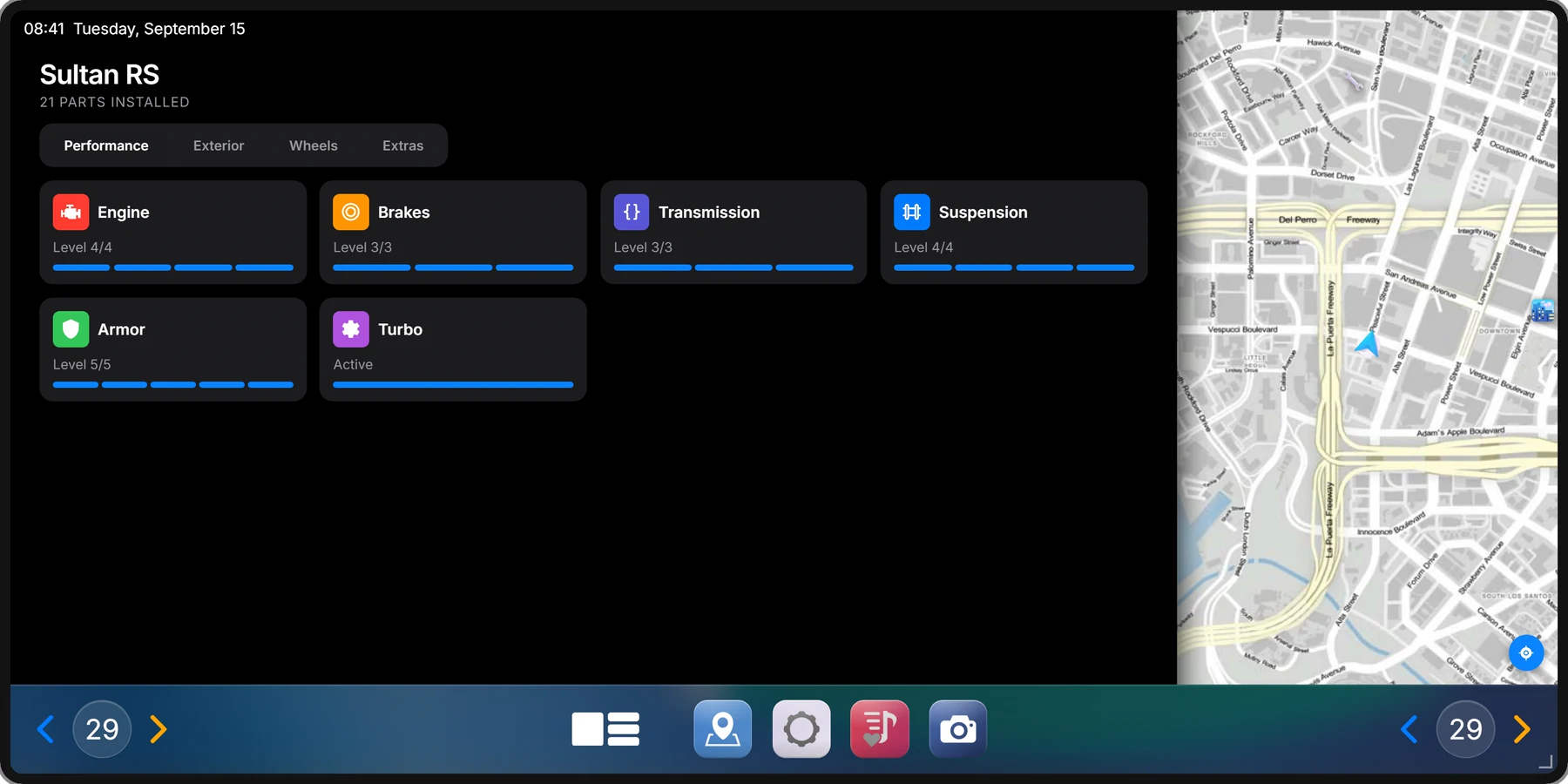
Installed parts across Performance, Exterior, Wheels and Extras, with their levels.
 Games
Games
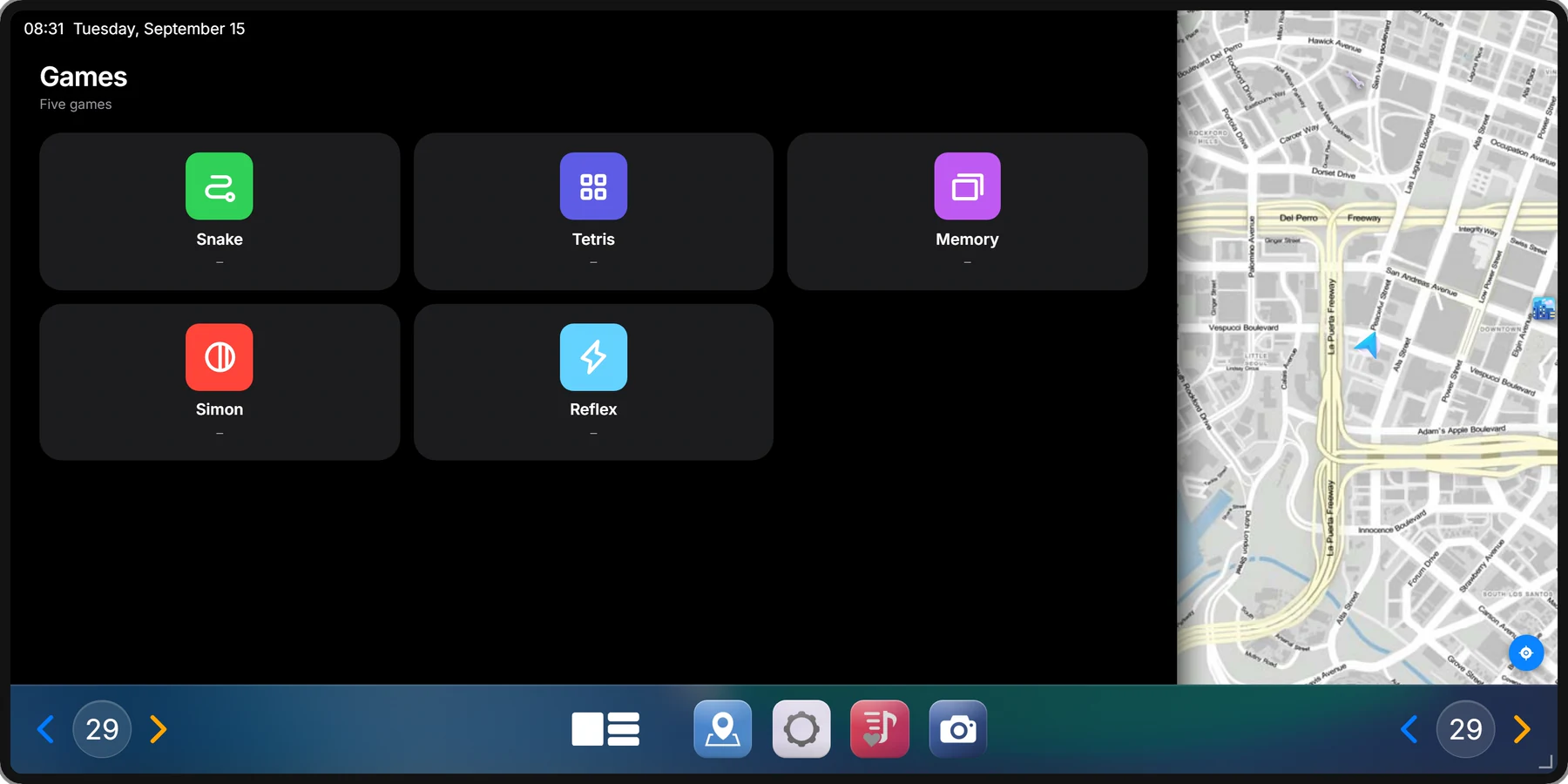
Snake, Tetris, Memory, Simon and Reflex, with a best score per game. They lock from 5 km/h.
 Music
Music
Search, the player, playlists and submissions in one app — synced to everyone in the car.
 CameraThe rear view on demand, guide lines included.
 WeatherYour city name and the live temperature, in °C or °F.
 ClockThe time in 12 or 24 hours, and a stopwatch.
 SettingsDark and light mode, wallpaper, display size and an update notice.
Installation & access
The installation system is optional. Switched on, the radio is an item somebody has to fit into the car. Switched off, every vehicle simply has one.
carradioUse the item at the car. About 28 seconds of mechanic animation later, it is fitted.
Fitted vehicles are saved by plate and checked on the server, so nobody installs into a car they are not standing at.
removecarradioThe removal item takes it back out.
Only the driver, or every occupant — set it in the config.
Below a set body health the screen refuses to open. 80 % unless you change it.
Lock installation to the jobs you name.
Exports block and unblock the screen from your own resources.
The automatic seat shuffle can be disabled.
The GTA radio can be muted while music plays.
Compatibility
Framework and inventory are detected when the resource starts — there is no bridge resource to install beside it.
ox_inventoryone_inventoryjaksam_inventorytgiann-inventoryqb-inventorycodem-inventorycore_inventory356201
Everything on this page, once, for every vehicle on your server.
RoadCarRadio 2.5
24 €
Lifetime
Lifetime access. Prices exclude VAT.
RoadCarRadio is protected with CFX escrow — make sure you are logged into the right CFX account before you buy.