The TV system for FiveM
RoadTV — Coming soon
Paste a link and every player in the room watches it together — in sync, controlled right on the screen.
No price and no release date yet. The Discord hears it first.
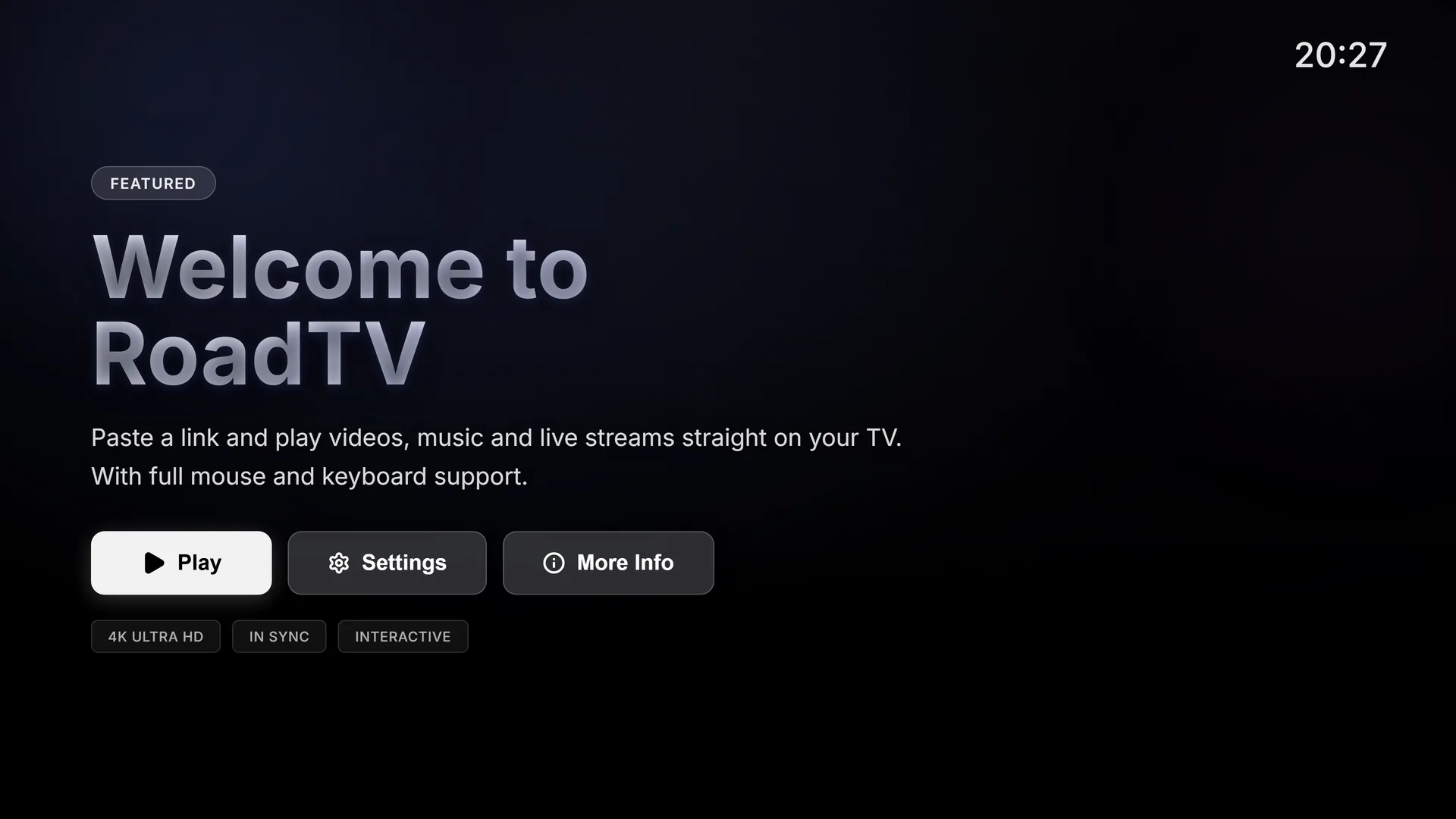
One button
Paste a link. Press play.
The home screen has a single Play button. Behind it is one field — paste a link, and RoadTV works out what it is.
- Video links
- SoundCloud
- Twitch
- Streamable
- MP4
- MP3
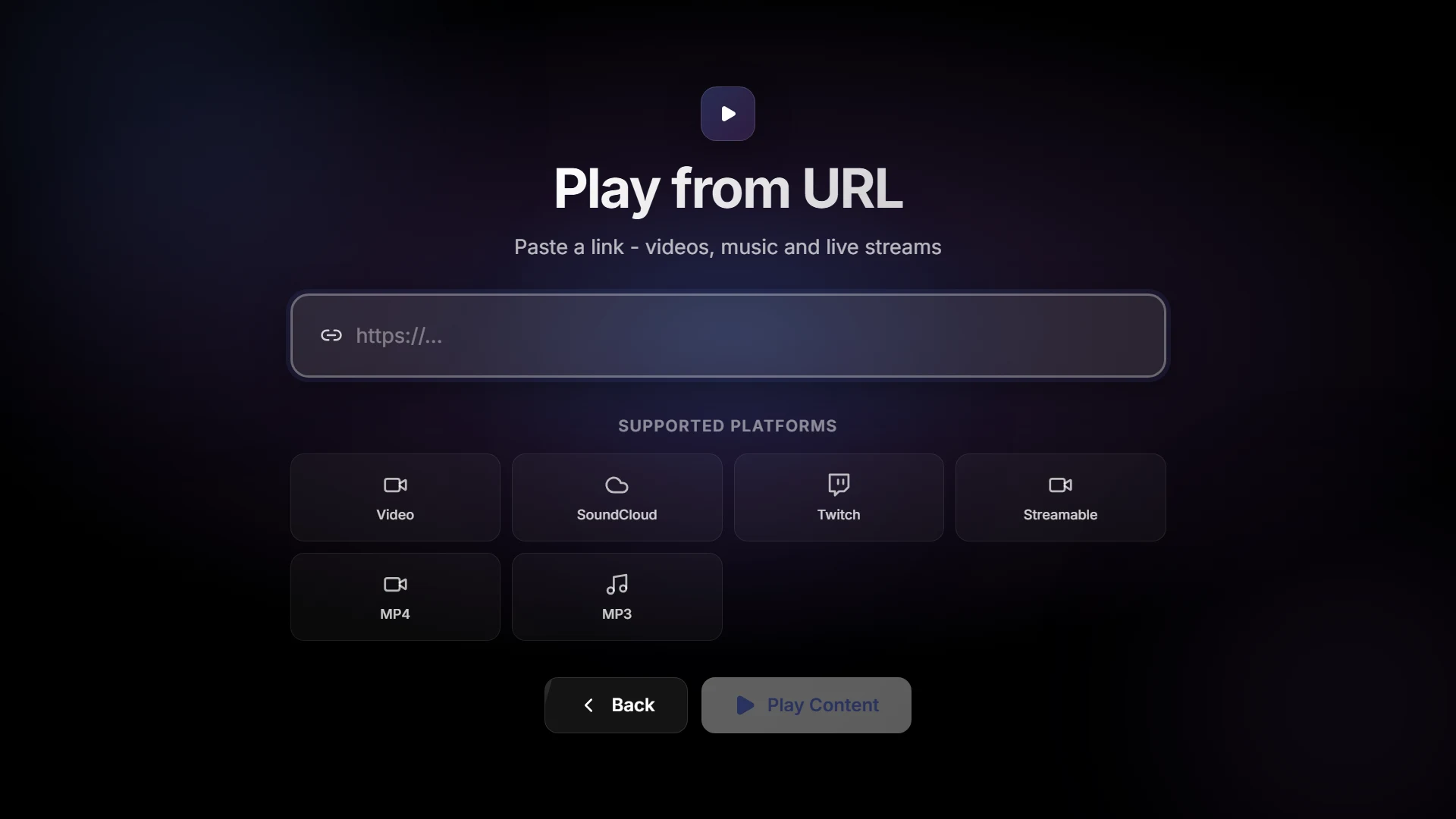
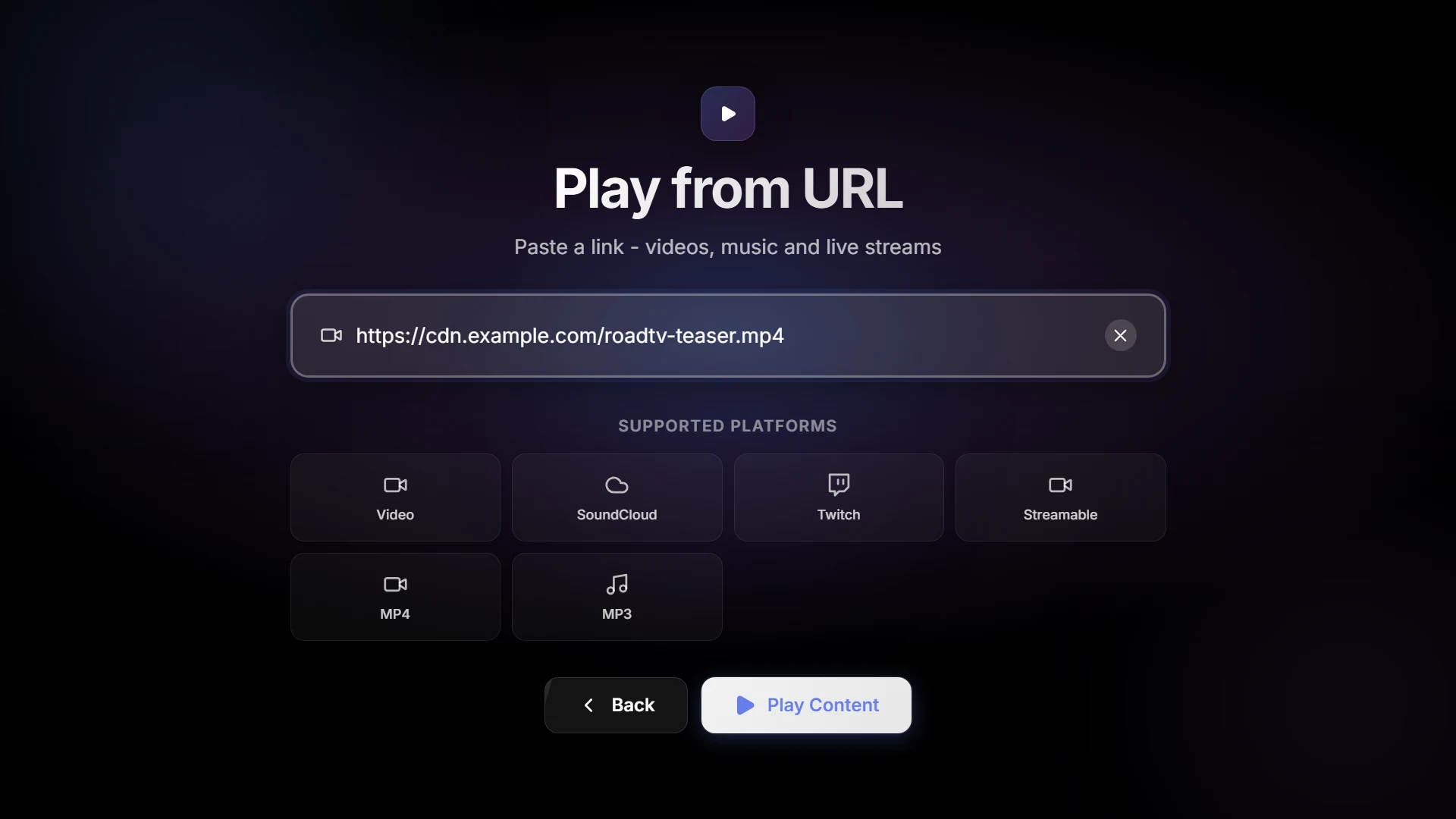
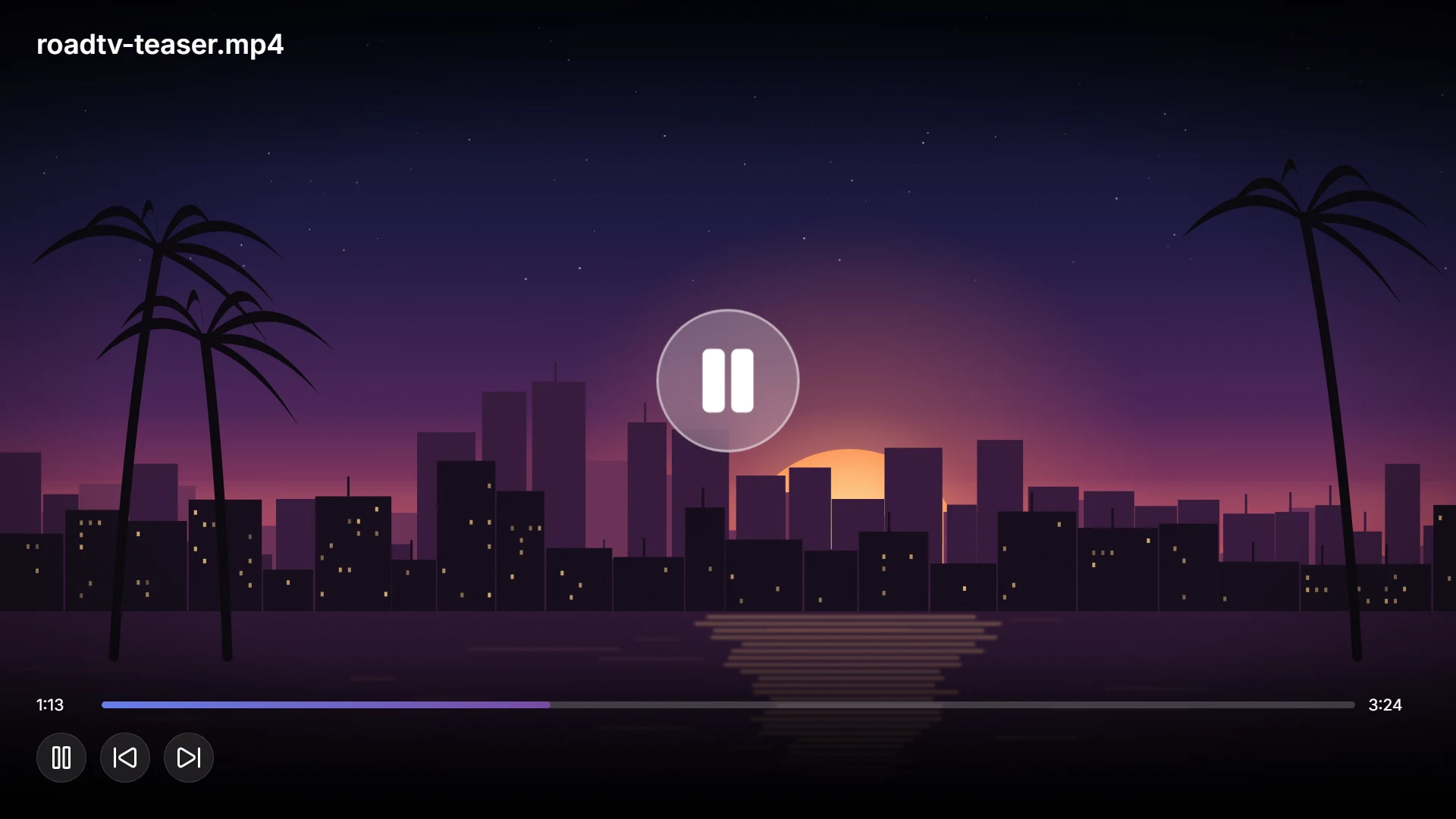

- Paste
- Play
- Everyone watches
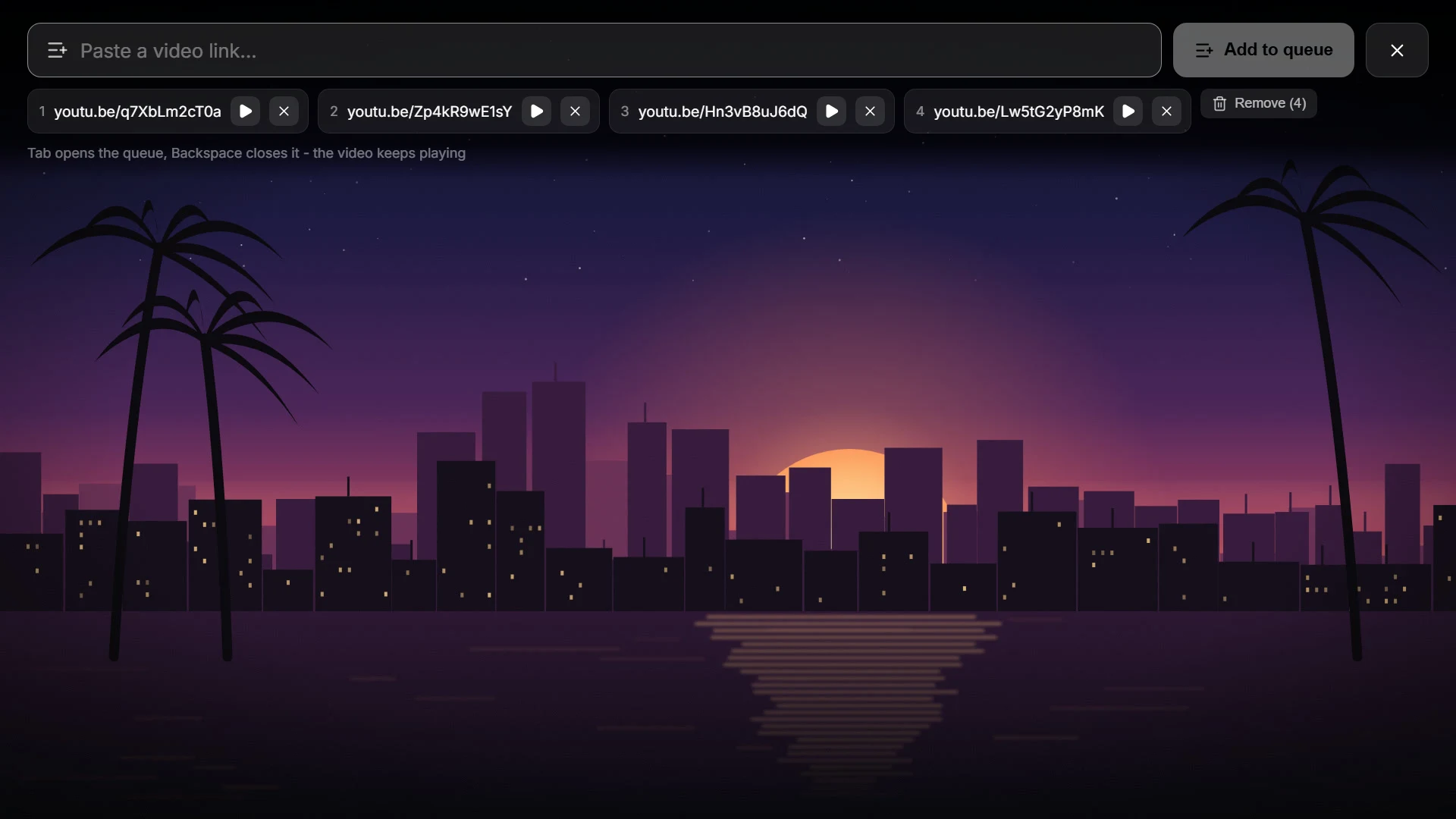
Line up what's next.
Queue up to thirty video links. Tab opens the queue on the screen, and the video keeps playing while you edit it.
In sync
Same second. Every screen.
The server keeps one state for every TV and sends it to every player in range — what is playing, how far in it is, whether it is paused. Walk in halfway through and you start where everyone else already is.
One state per TV, on the server
Controlling
Watching
Walks in late
- Position
- The playing screen republishes it every ten seconds. Anything more than three seconds off catches up.
- Pause
- Pause it for one player and it pauses for all of them.
- Late join
- The server hands a newcomer the elapsed time, so a running video picks up mid-scene.
- Control lock
- While one player is steering, nobody else can take the remote.
On the screen
Mouse and keyboard, right on the TV.
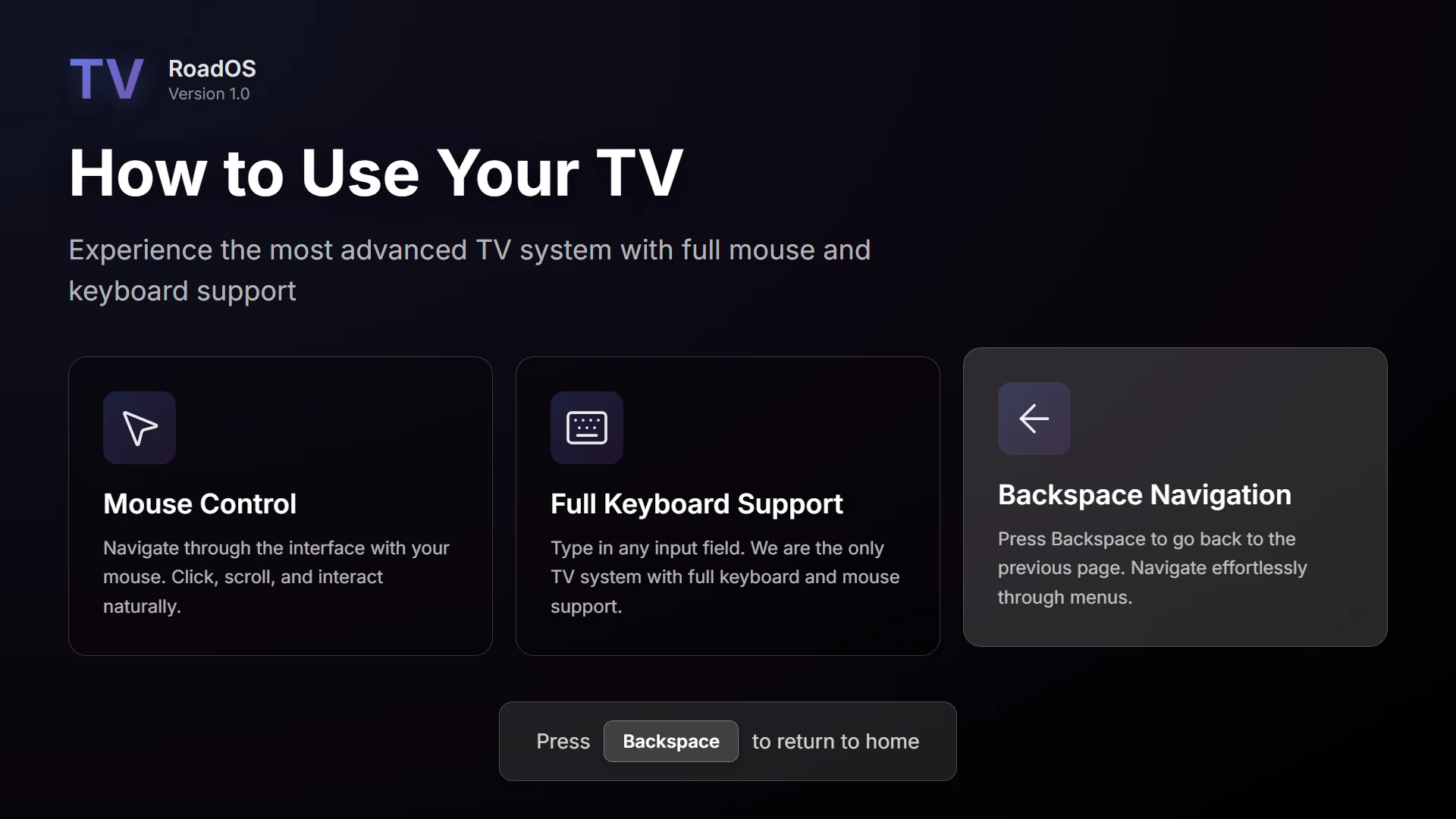
Walk up and open the TV with ox_target, qb-target or /tv. The cursor lands on the screen — click, type into fields, paste a link, go back. Controlling the TV happens on the TV.
- CtrlVPaste a link
- TabOpen the queue
- BackspaceGo back
- EscStep away
Sound fades with your distance from each TV, and /tvvolume 0–100 sets your own level for the one in front of you.
Placement
Hang a TV anywhere. It stays.
/placetv opens a live preview — pick a model, turn it, set the height, press Enter. Every TV is a server-side entity, so everyone sees it, and it is still there after a restart, showing what it showed before.
/placetvPlace a TV/removetvRemove your nearest one
- TVs and what they were playing survive server restarts.
- Routing buckets keep them apart, so an apartment's TV stays in that apartment.
- A per-player limit and admin rights are set in the config.
Ten models, ready to place
- HD flat screen
- Flat screen
- Large TV
- Modern TV
- Design TV
- Tube TV
- Standard TV
- Monitor
- Large monitor
- Laptop
The HD flat screen is RoadTV's own prop, with a larger render target for a sharper picture. TVs already in the map — the cinema screen included — can be switched on as well.
For your server
Built for the server you already run.
Config.Interaction = { RequiredItem = 'tv_remote', CanInteract = function(source, coords, bucket) return true end,}Frameworks
ESX, QBCore, Qbox or Standalone
Detected automatically. RoadTV needs ox_lib and oxmysql, nothing more.
Interaction
ox_target, qb-target or /tv
Use the target system you have, or none at all.
Permissions
A remote, if you want one
Require an item such as a TV remote, and decide per TV with a server-side CanInteract hook for housing and job scripts.
Logging
Every change, in Discord
A webhook logs each new video or link with the player, their identifier, the URL and the TV's position.
Moderation
A word filter for links
Banned words and domains are refused on the server before anything plays.
Languages
Six on the screen
Players switch the TV between English, German, Spanish, French, Italian and Portuguese. Server messages come in German and English.
API
Exports for your scripts
Read, set, play and stop any TV from other resources, on the server and on the client.
RoadPhone
RoadPhone-compatible
One client event, roadtv:playVideoYT, starts a video on the nearest TV.
Coming soon
Be first to know.
RoadTV is still in development, so there is no price and no release date yet. Join the Discord and you will hear the moment it is ready.