Display glasses for FiveM
Road Glasses — Coming soon
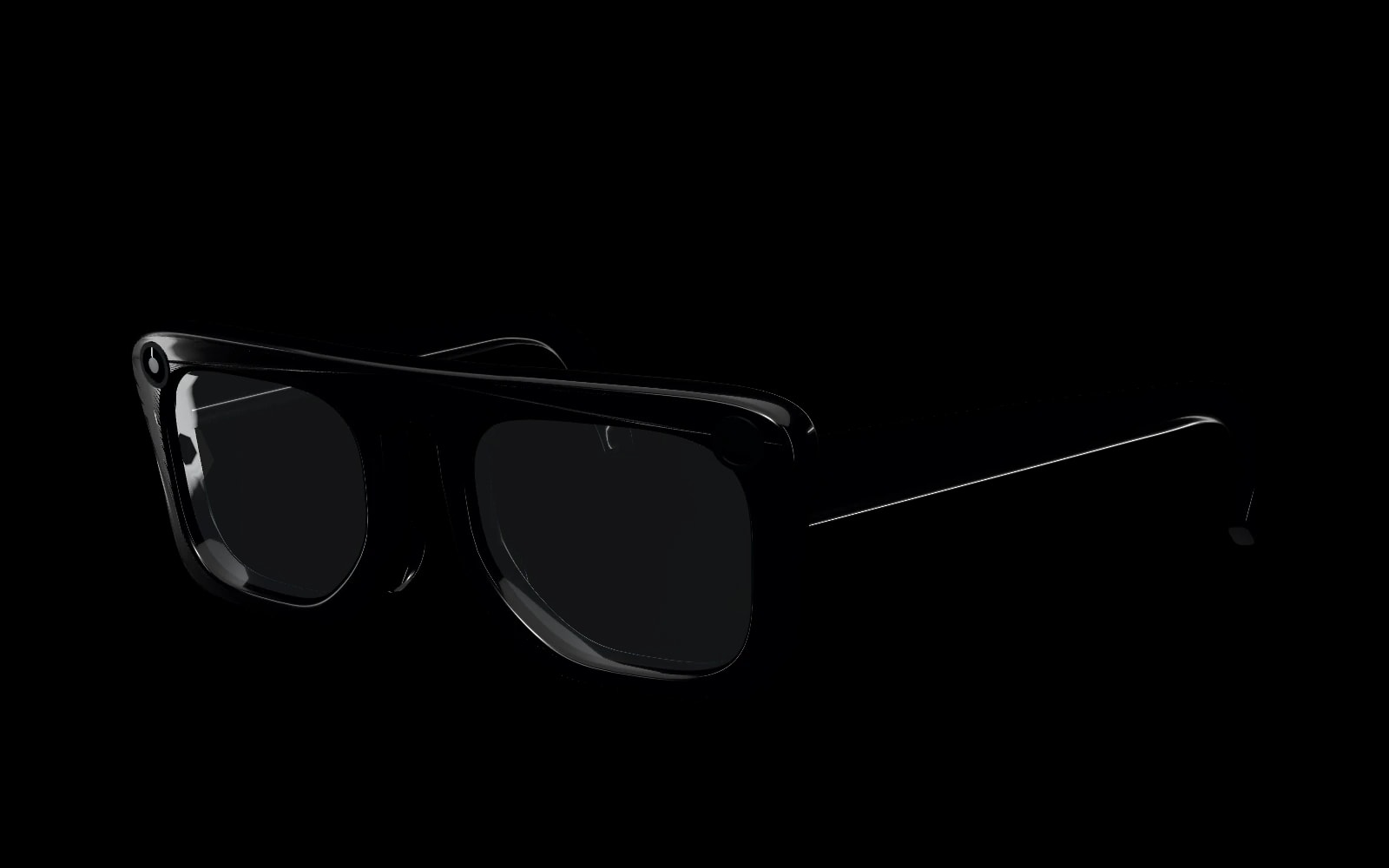
A display in the lens, a camera in the frame and RoadAI in your ear. The Road Band on the wrist turns gestures into input.
The companion of RoadPhone Pro.

Lens Display
Everything at a glance. Nothing in the way.
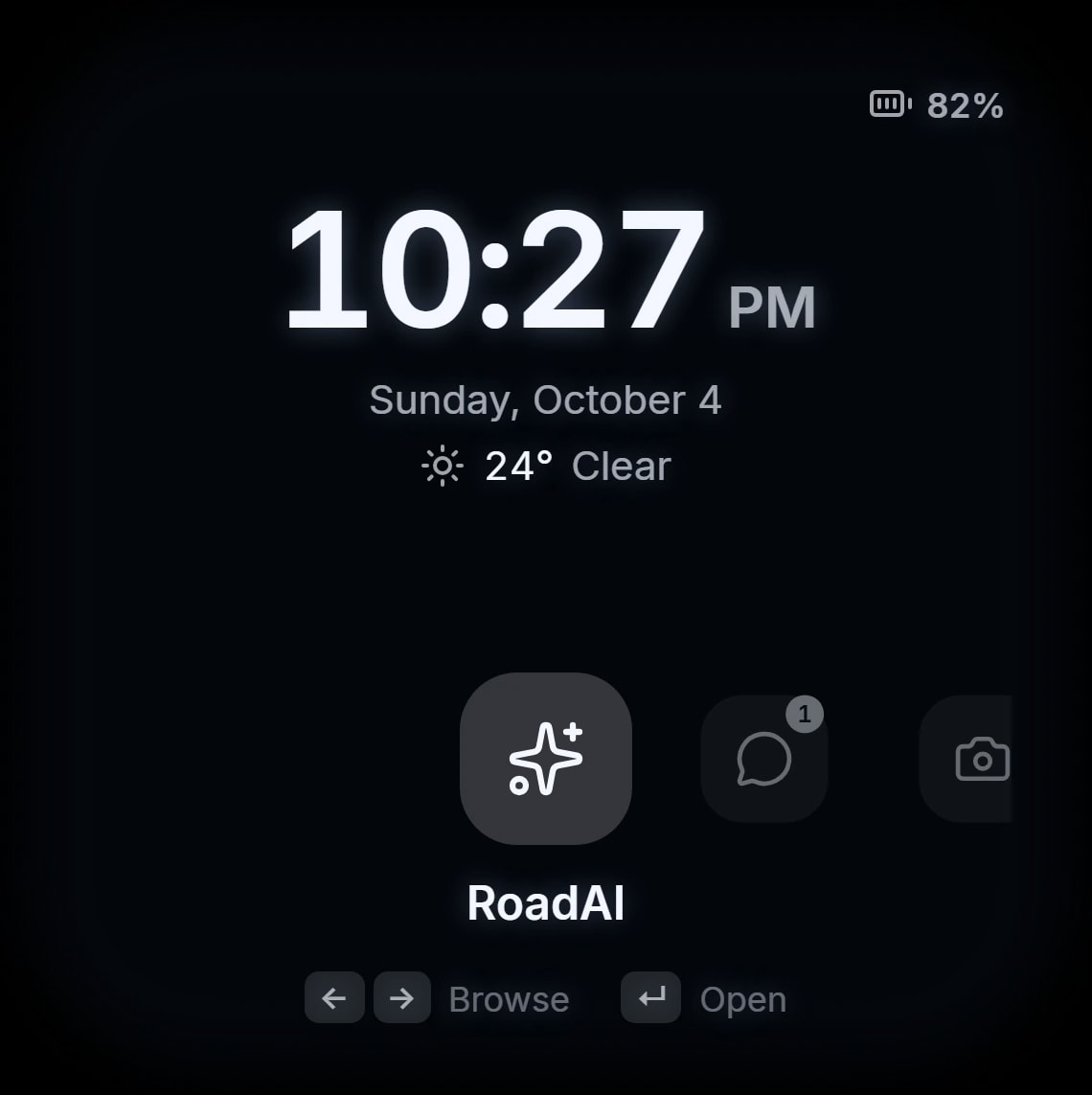
Time, weather and battery appear in the lens when you wake it, and the display goes back to sleep on its own.
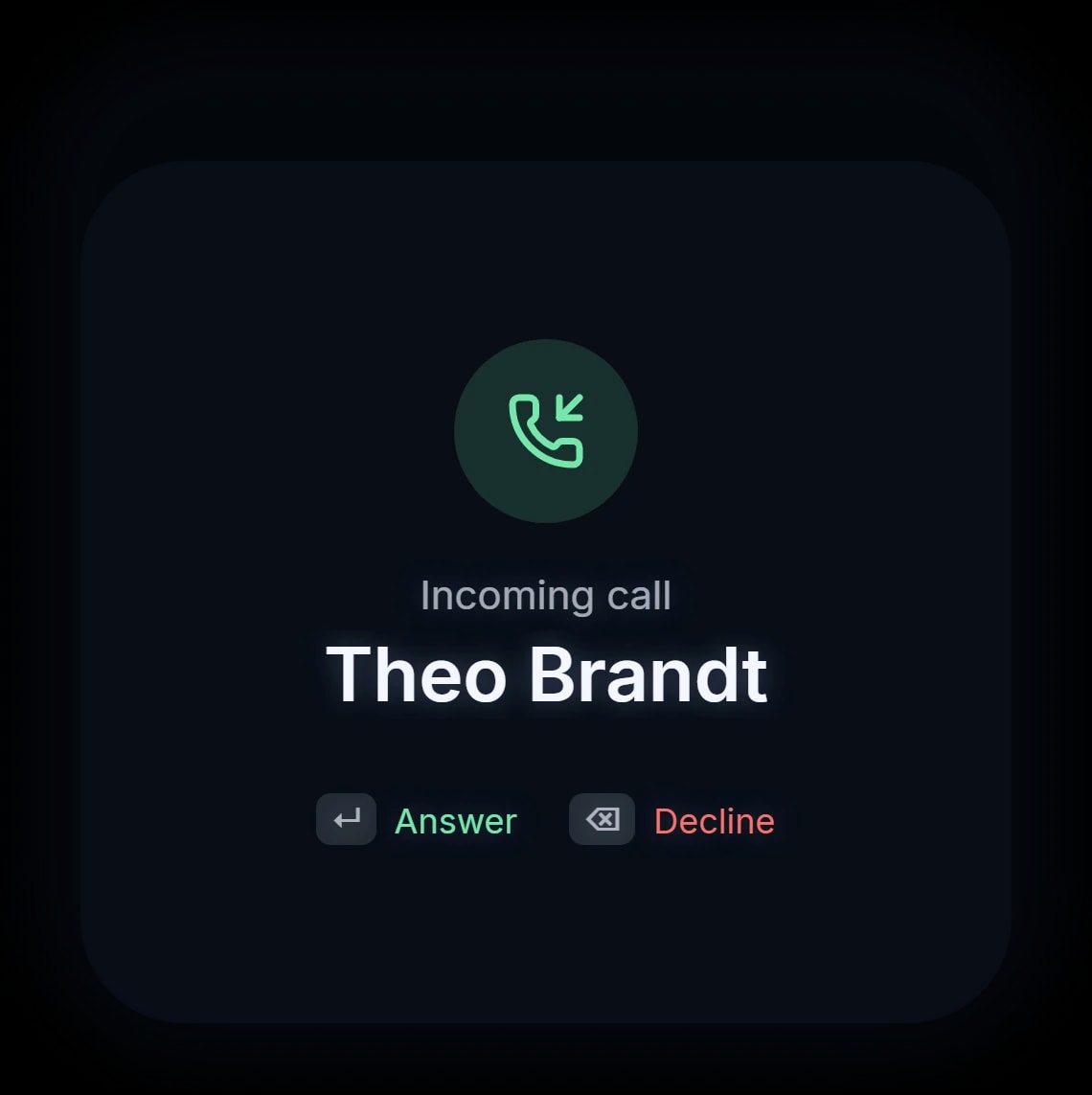
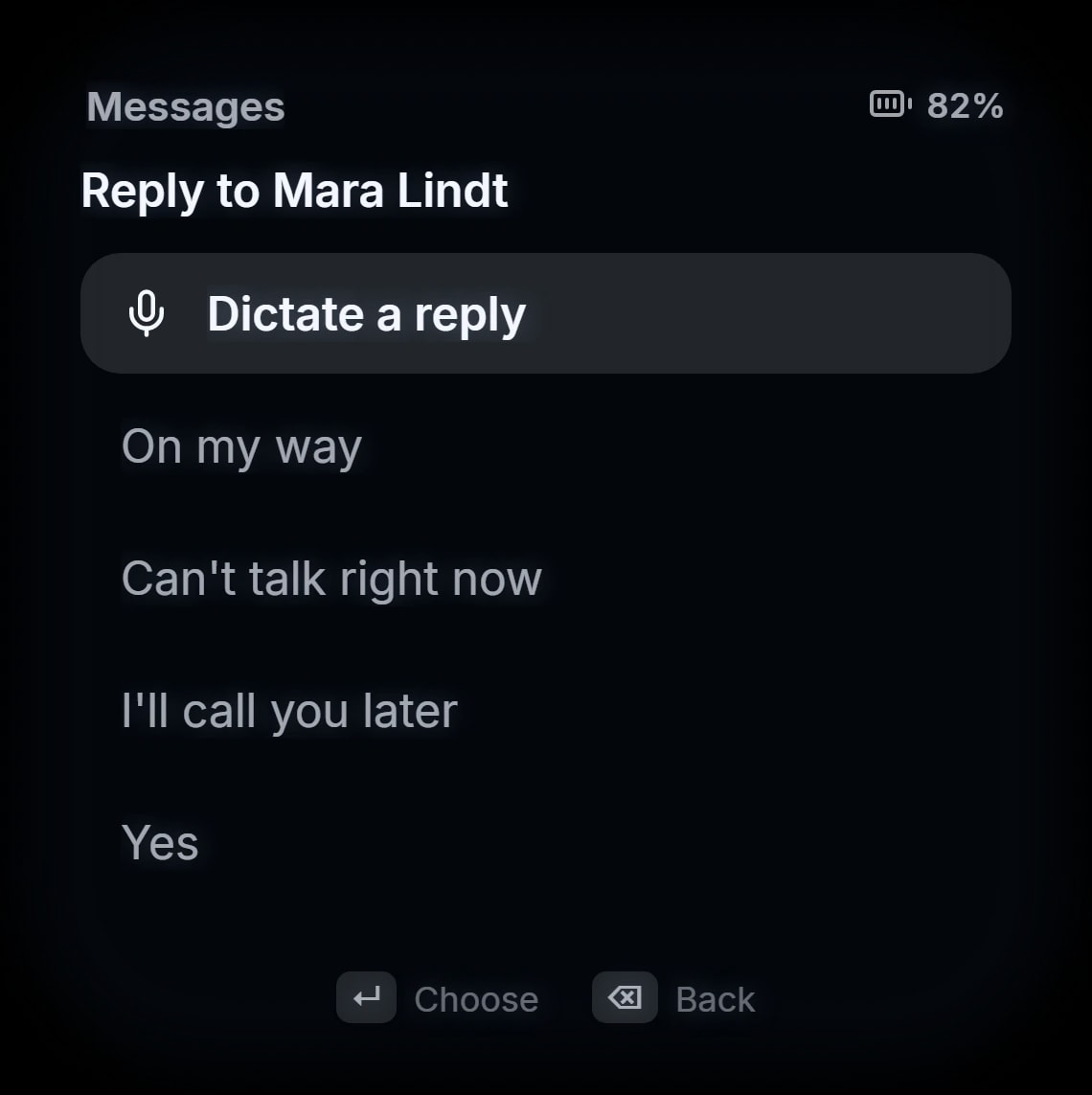
Notifications from every RoadPhone app arrive while it sleeps. Answer a call, read a message and reply with a quick answer or by voice — without taking out the phone.
- Notifications from every RoadPhone app
- Answer or decline calls
- Quick replies and dictated answers
RoadAI
Ask about what you see.
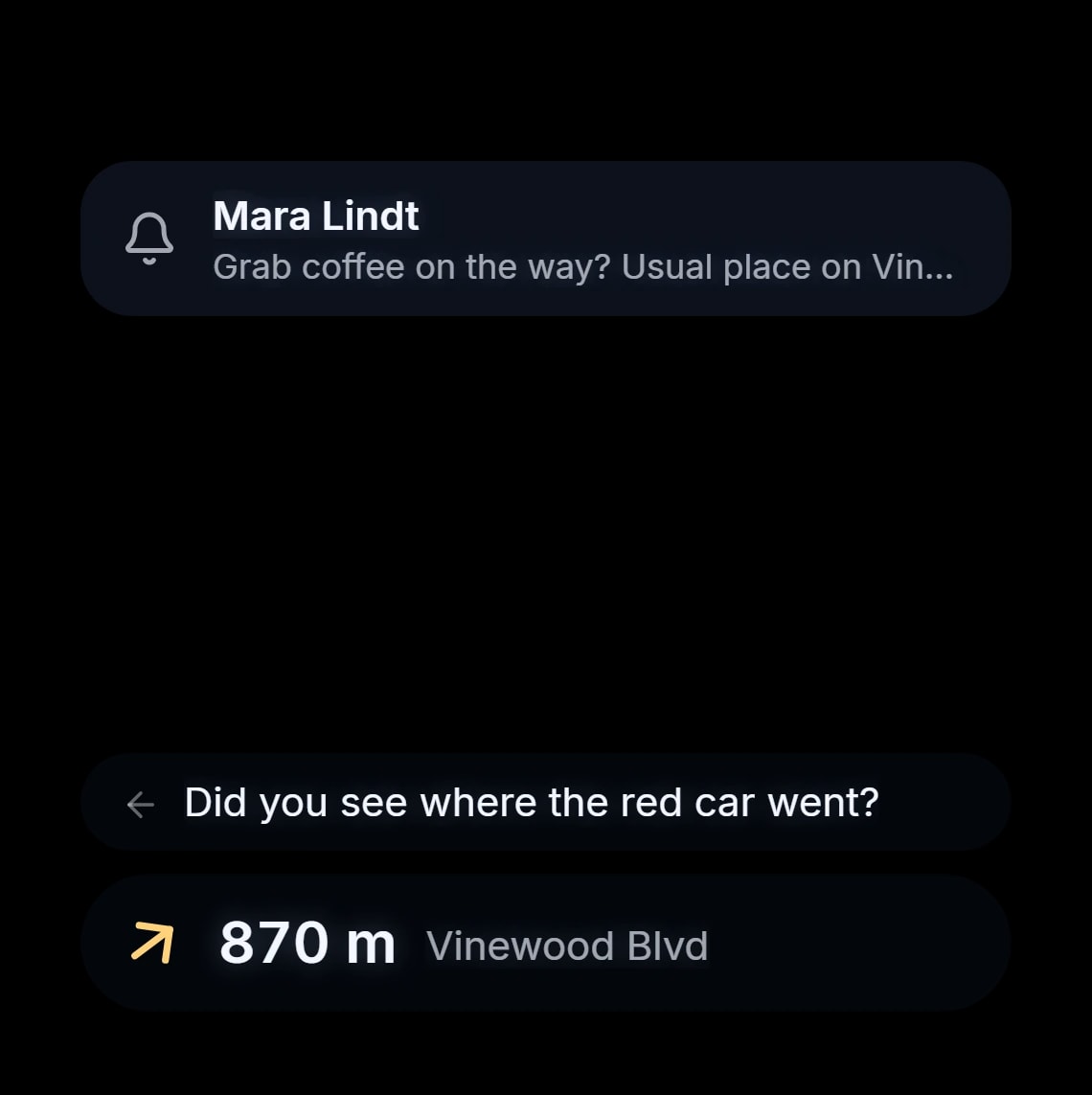
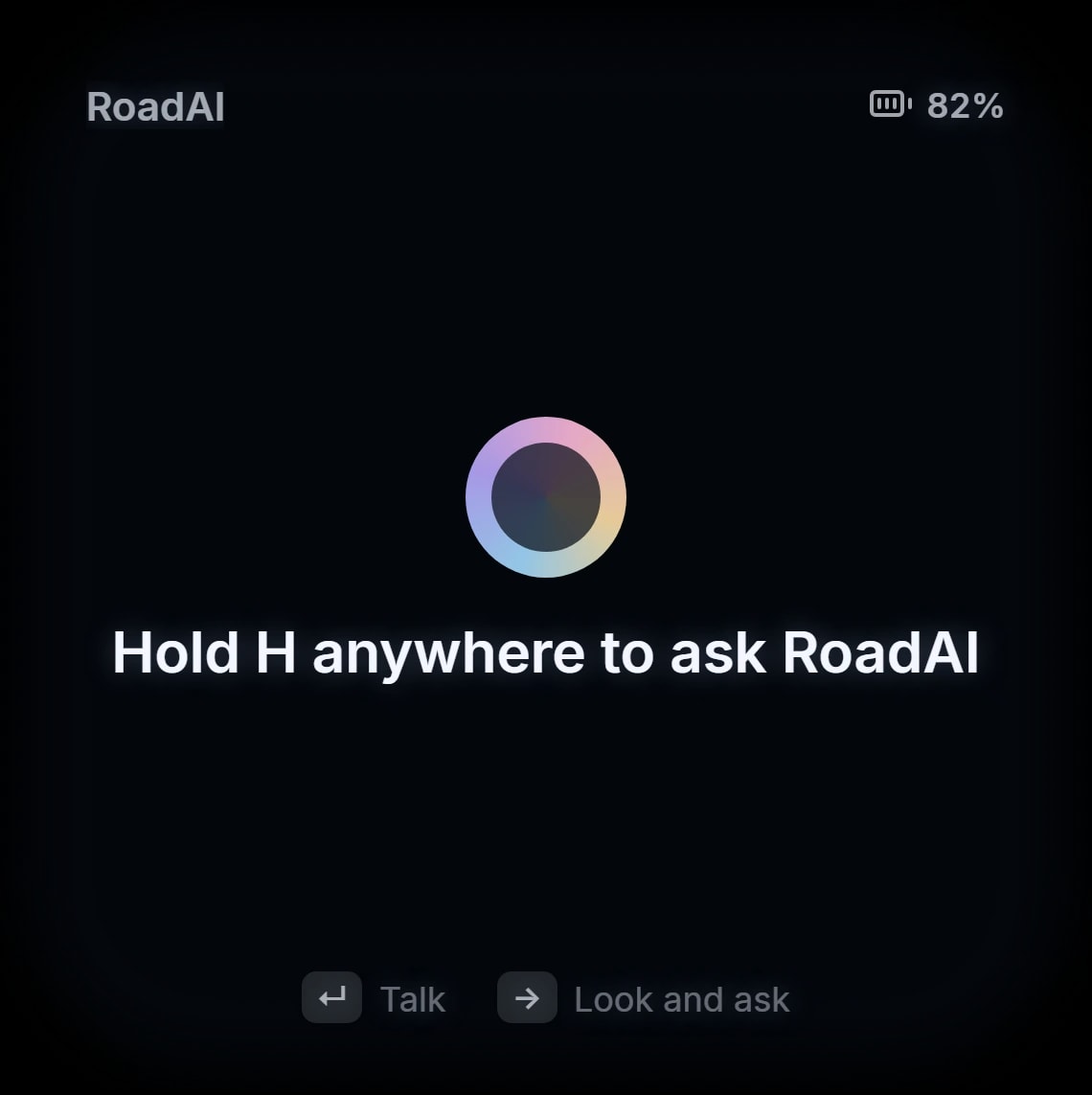
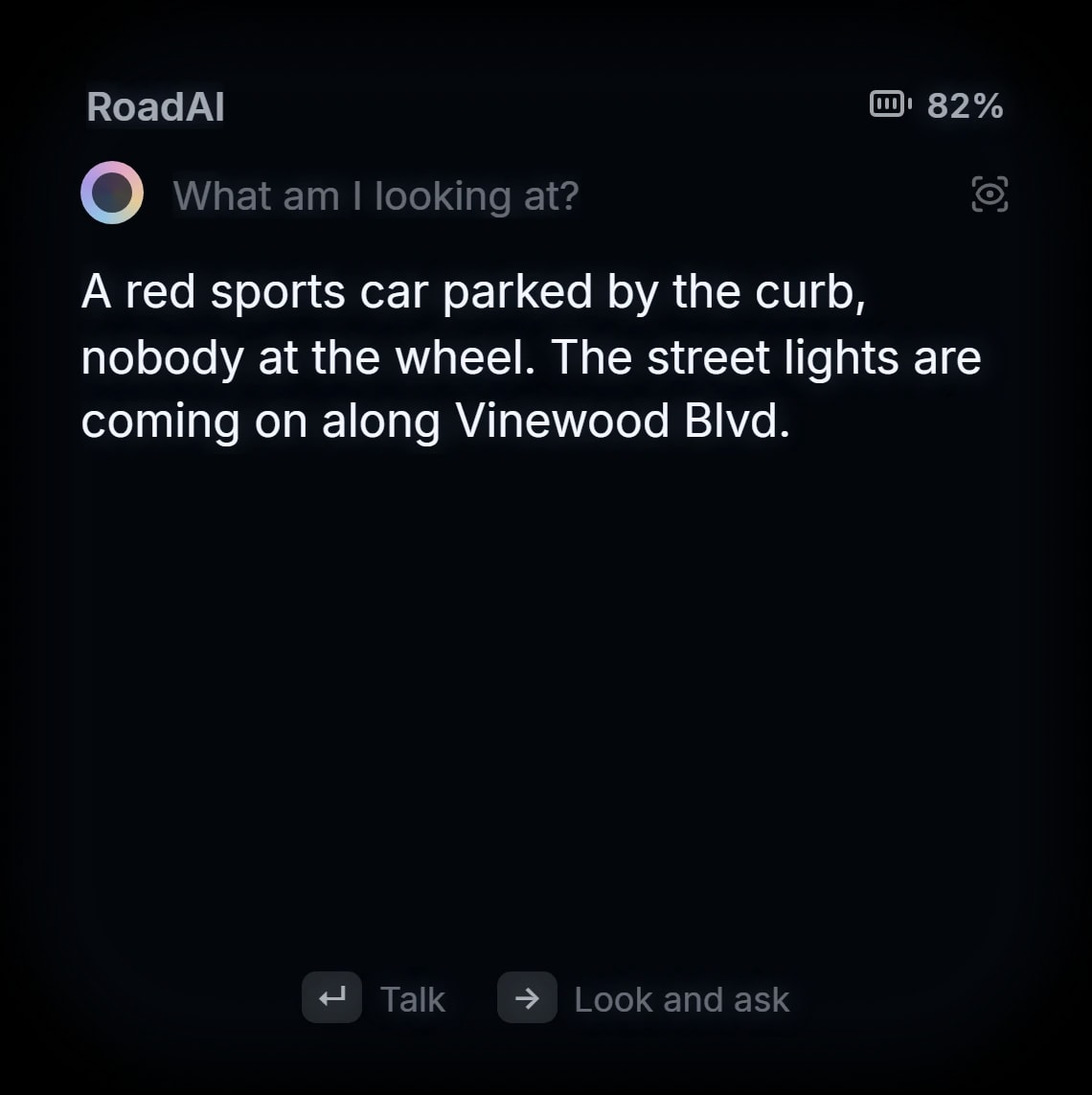
Hold a key anywhere and ask. Answers appear in the lens and can be spoken.
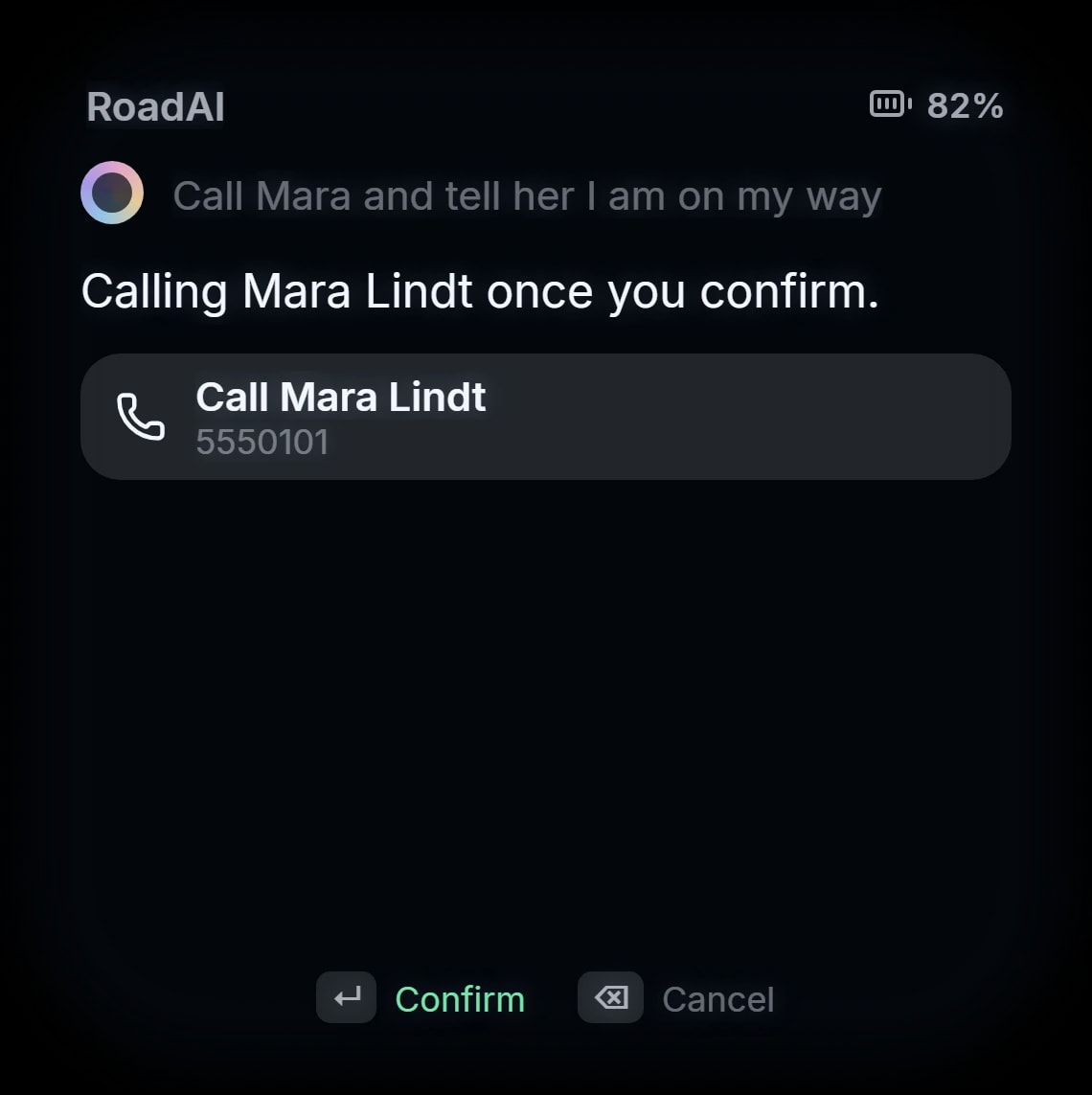
Look and ask sends RoadAI a picture of what you are looking at, where the server allows it. Calls and messages always wait for your confirmation.
- Ask by voice, from anywhere
- Look and ask, where the server allows it
- Calls and messages wait for your confirmation
RoadAI must be active in RoadPhone Pro.
Camera & Go Live
Your point of view, captured.
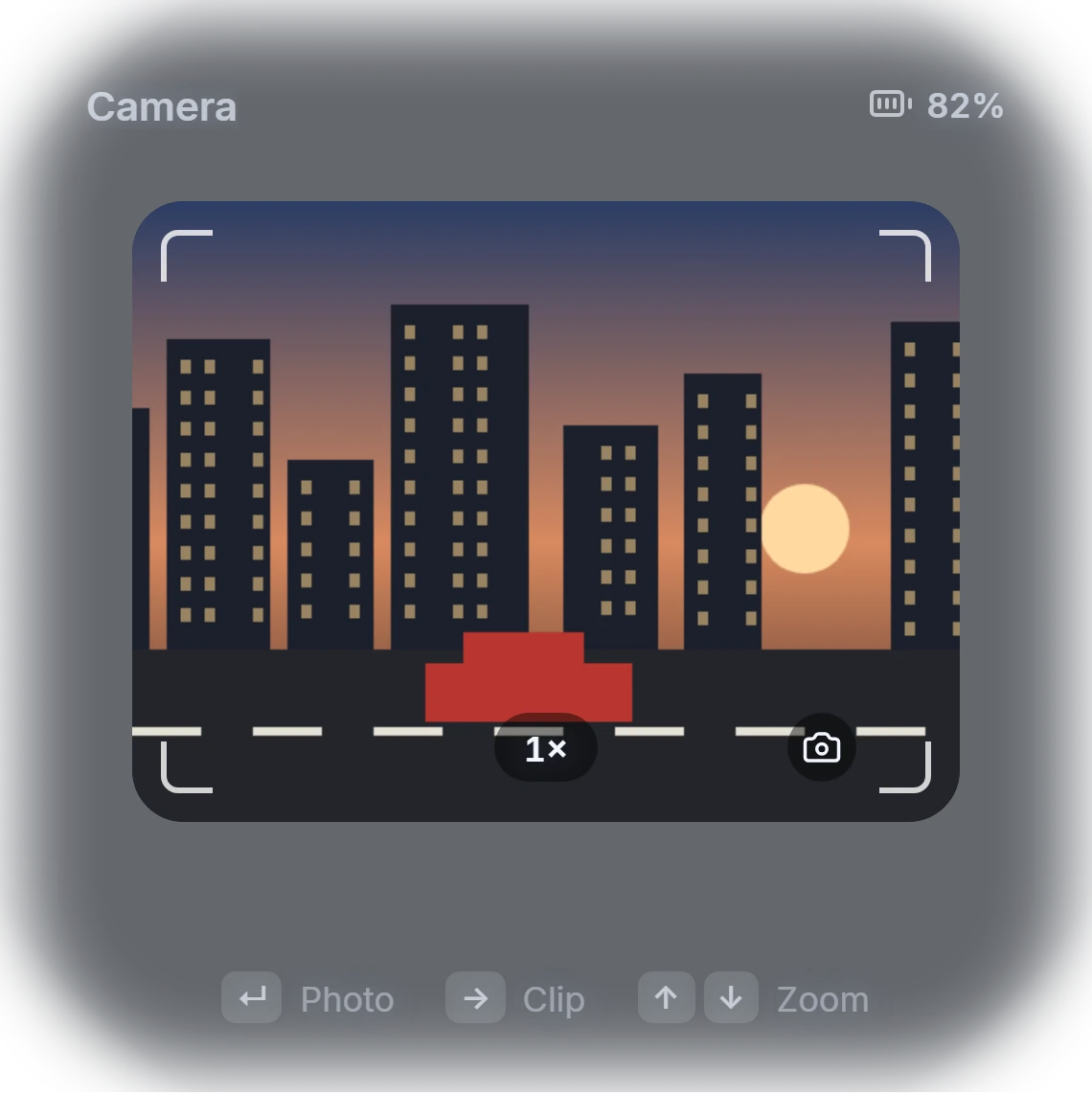
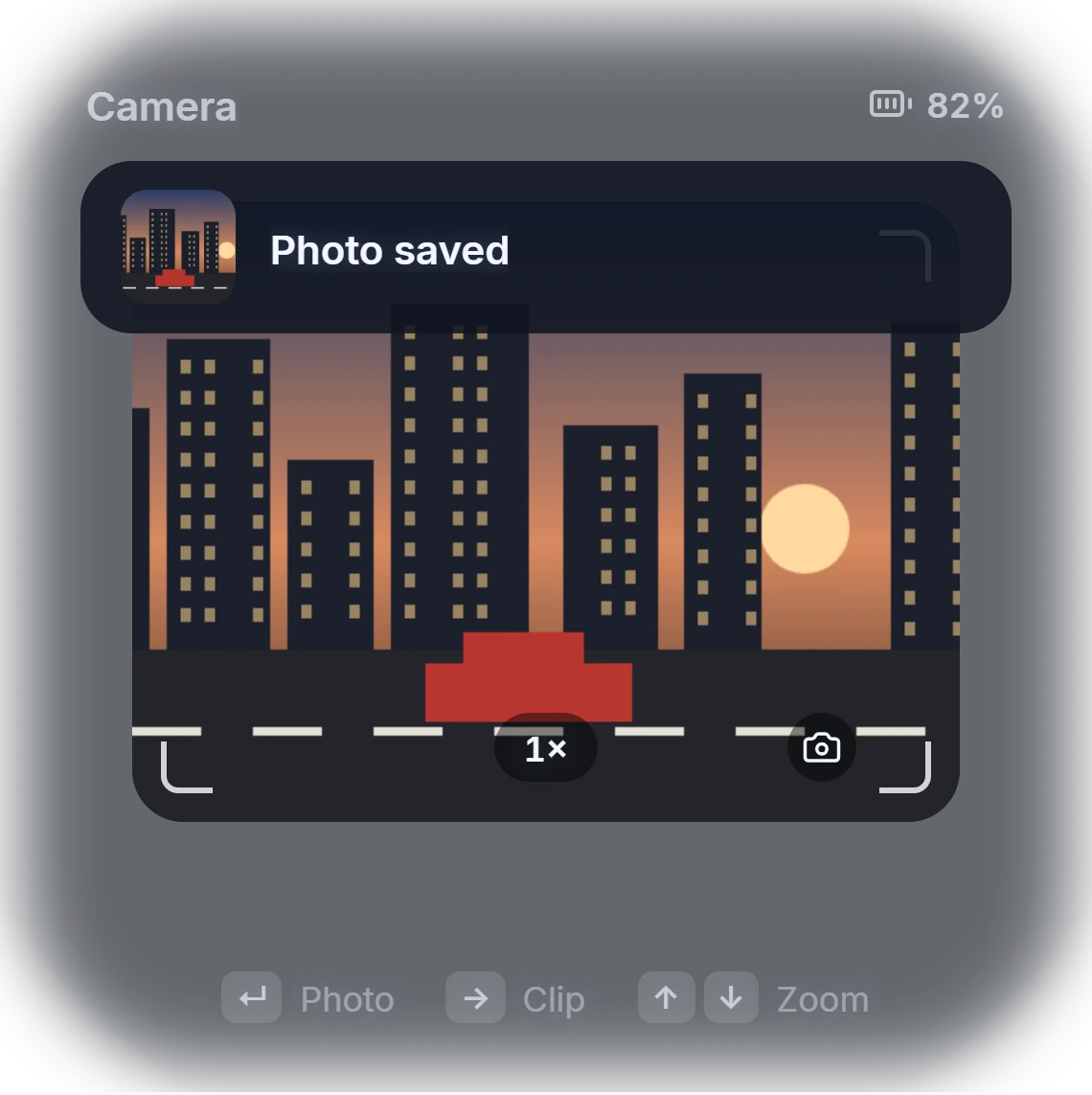
Take photos and clips from where you stand, with a live viewfinder in the lens and up to 3x zoom. Everything lands in the RoadPhone gallery.
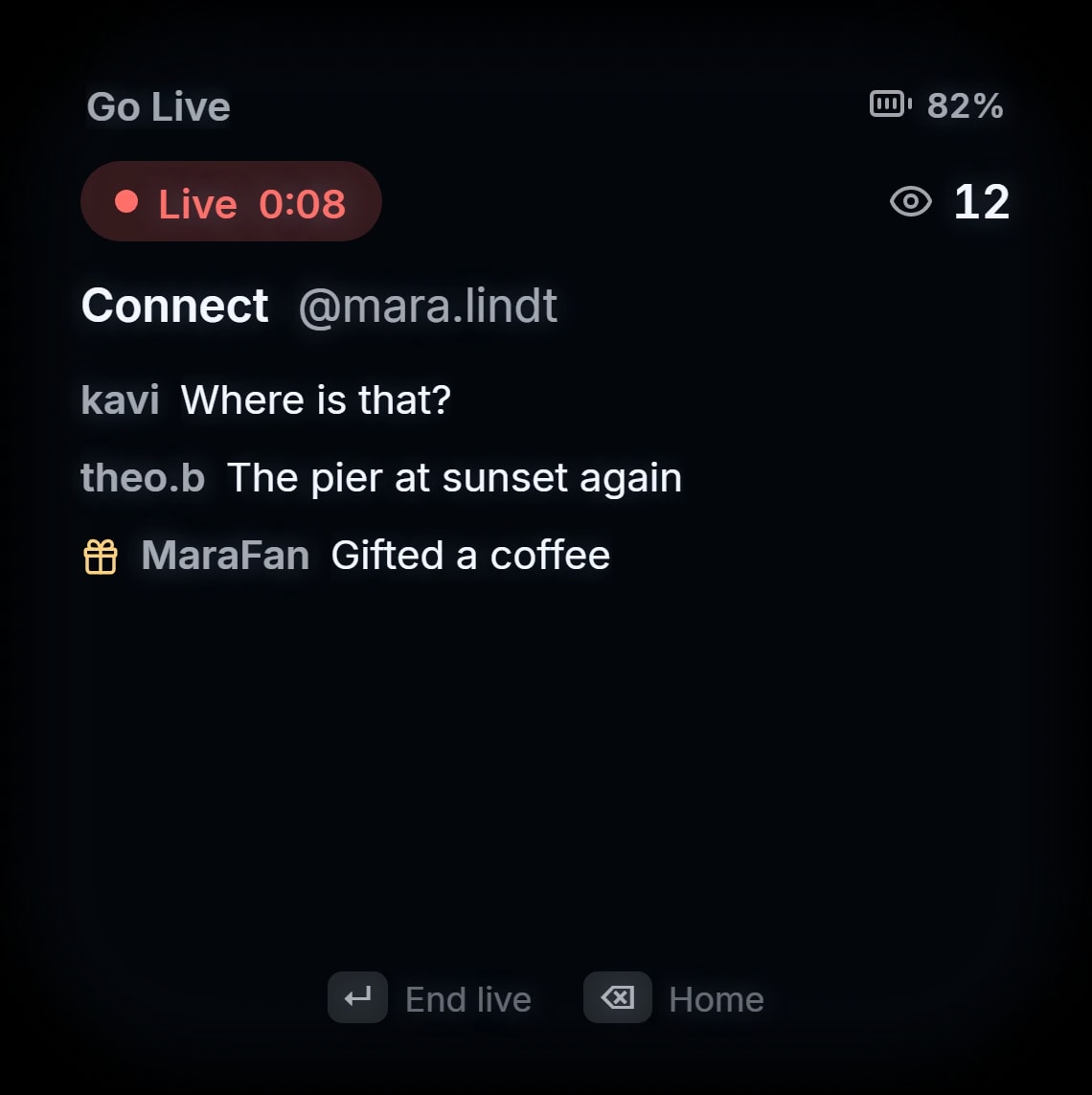
Go live to Connect, Loop or Livestream right from the glasses; the lens shows the viewers and the latest comments. Whenever the camera is in use, a light on the frame tells everyone around you.
- Photos and clips with up to 3x zoom
- Live to Connect, Loop or Livestream
- A capture light others can see
Live Captions
Read what the street is saying.
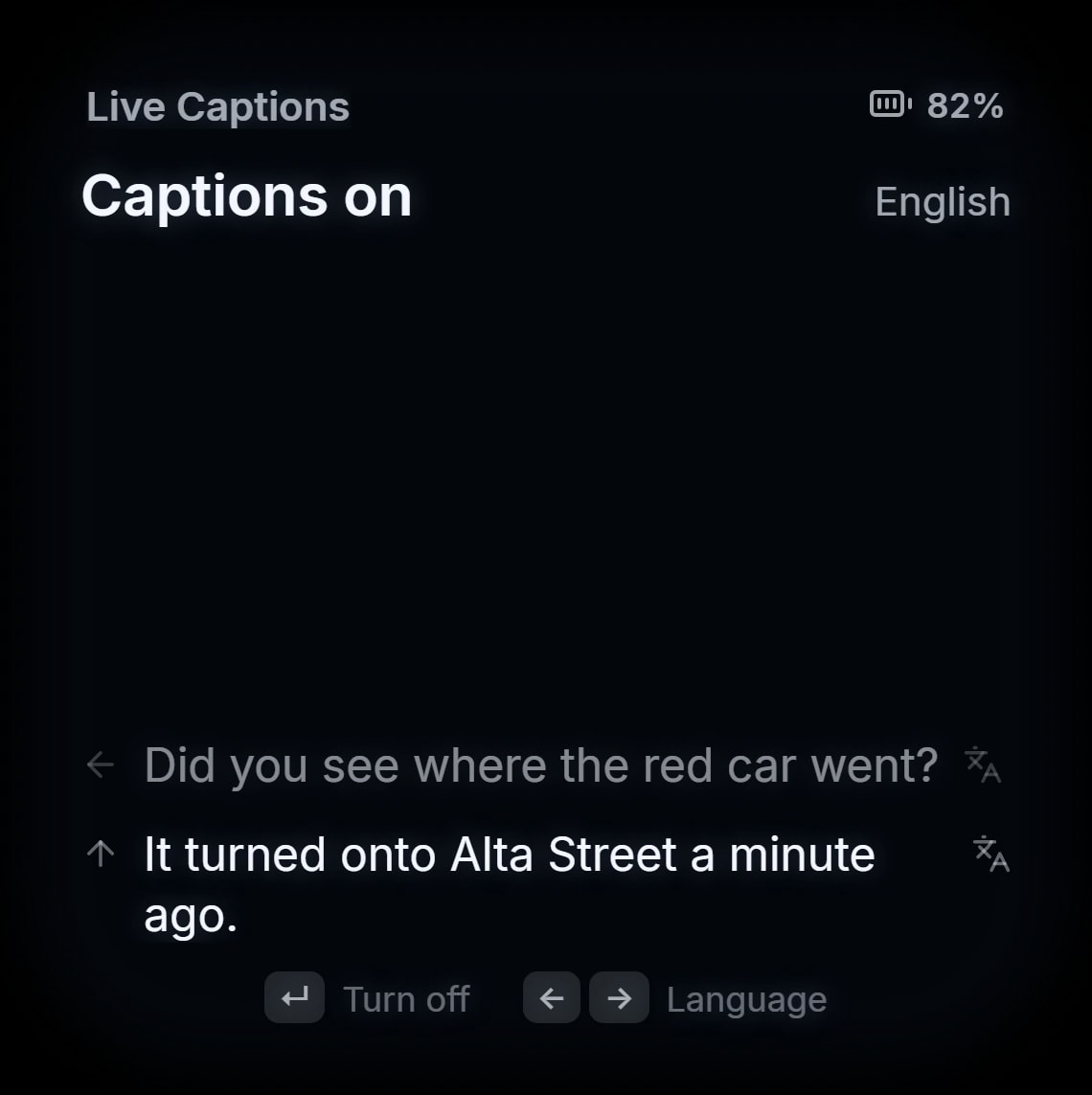
What nearby players say over voice chat appears in the lens as text — optionally translated into one of eleven languages.
- Captions from nearby voice chat
- Translation into eleven languages
- The capture light shows while captions run
Navigation & Music
Find the way. Keep the music.
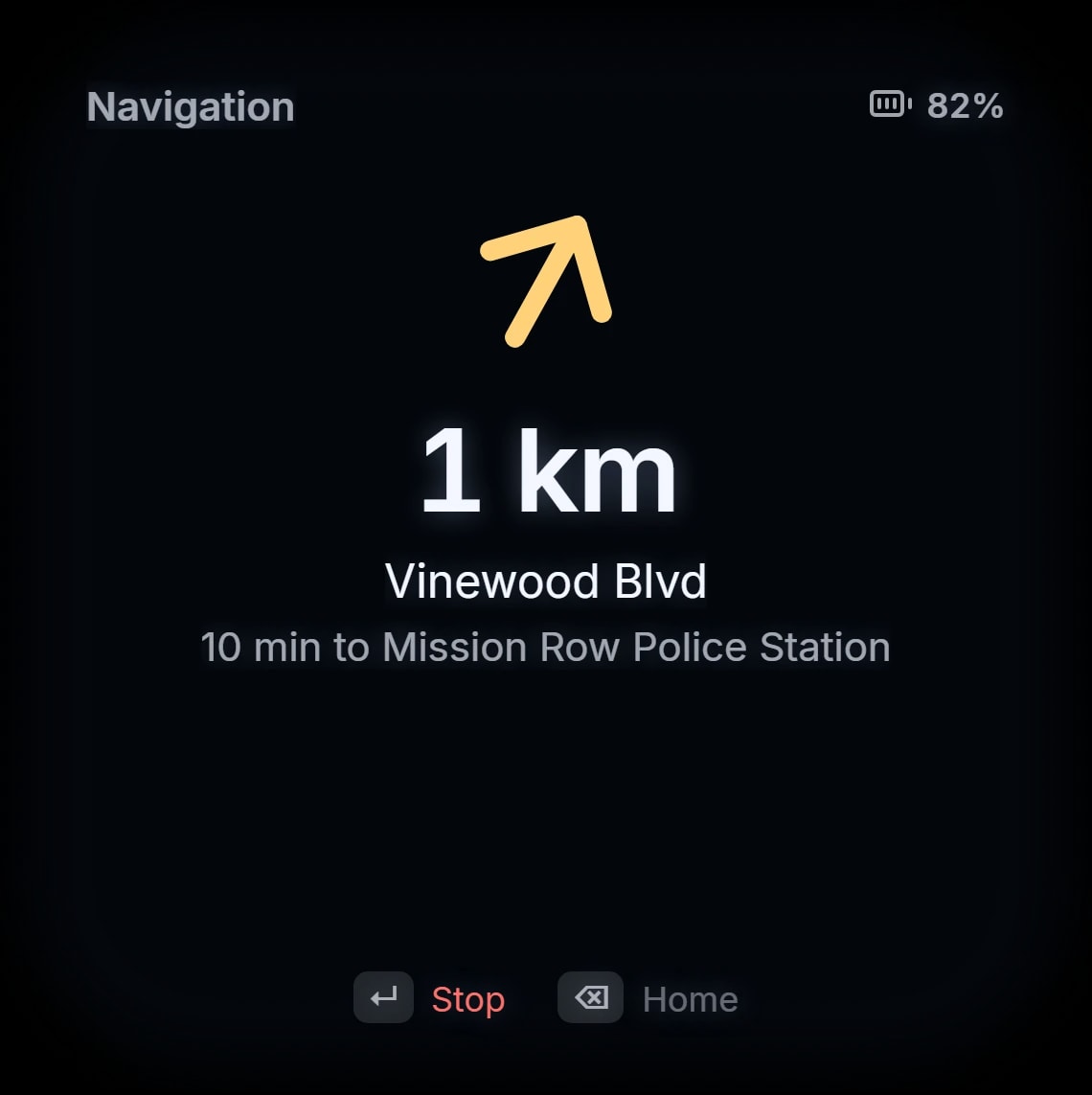
Directions to your map waypoint or to places the server sets up: an arrow on foot, turn hints while driving.
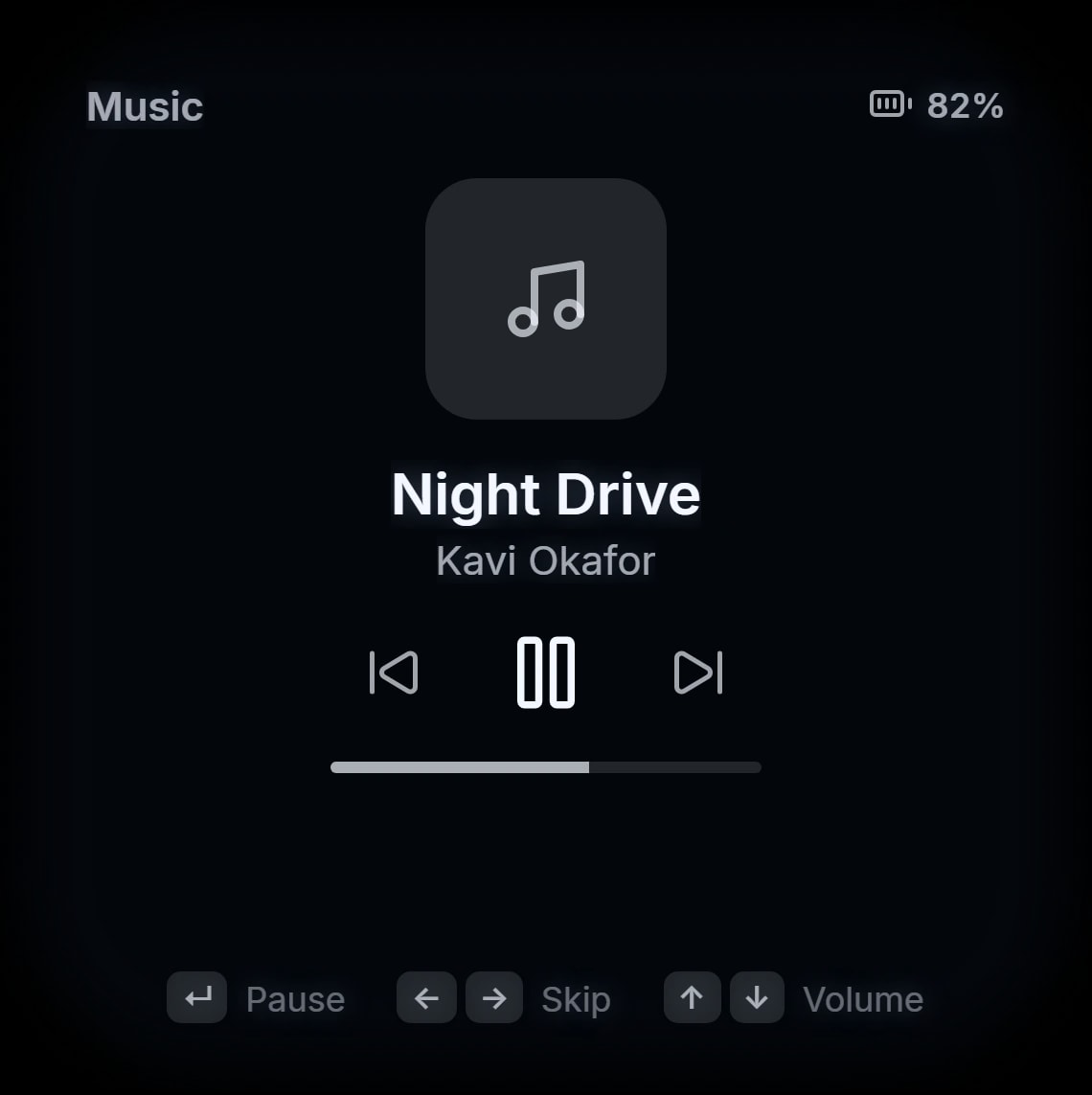
Control the music playing on RoadPhone — play, pause, skip and volume.
- To the waypoint or saved places
- An arrow on foot, turn hints in the car
- Now playing, right in the lens
Road Band
Gestures on the wrist.
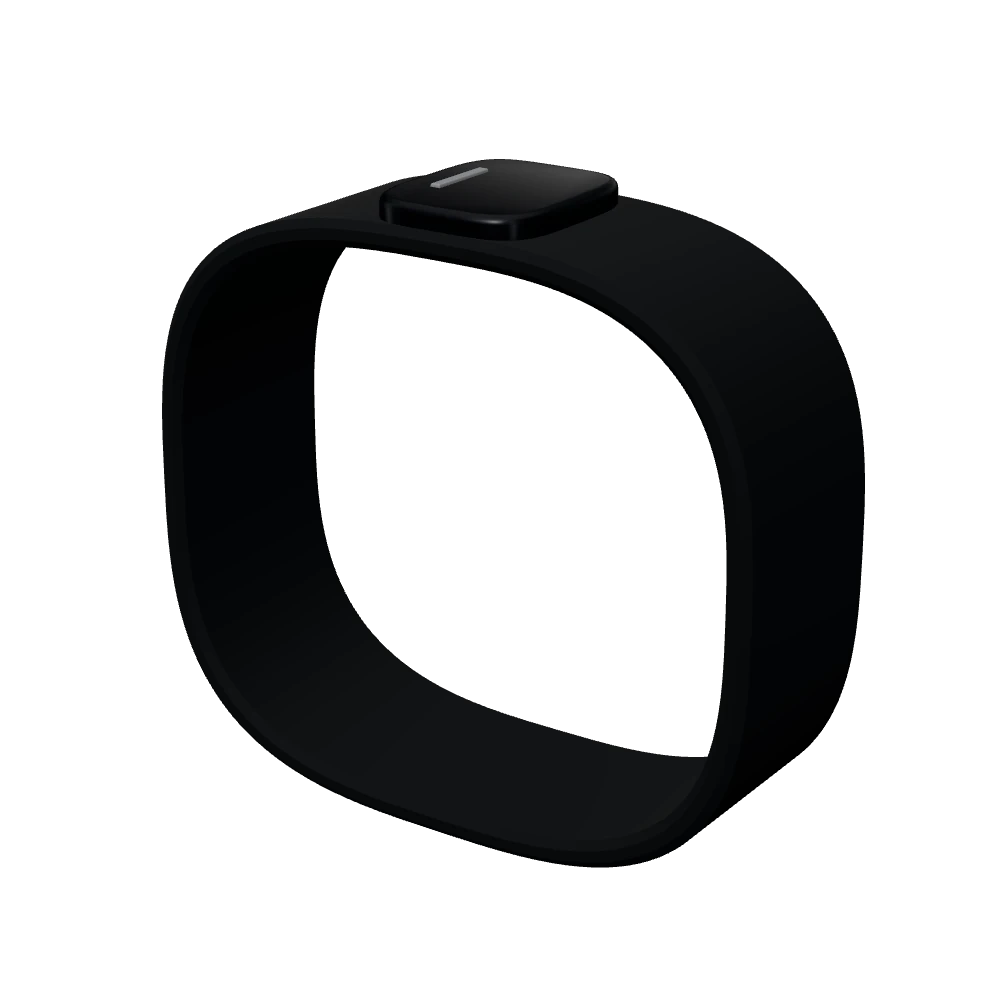
The Road Band on the wrist is the controller. Every gesture is a key, and every player can bind each one to a key of their own.
| Gesture | Key | What it does |
|---|---|---|
| Display | F9 | Wake or sleep the display |
| Swipe | Arrow keys | Move through lists and apps |
| Pinch | Enter | Select |
| Middle pinch | Backspace | Back, or sleep on the home screen |
| RoadAI | Your choice | Hold to ask RoadAI from anywhere |
| Capture | Your choice | Tap for a photo, hold for a clip |
Players change every key under Settings → Key Bindings → FiveM.
Frames
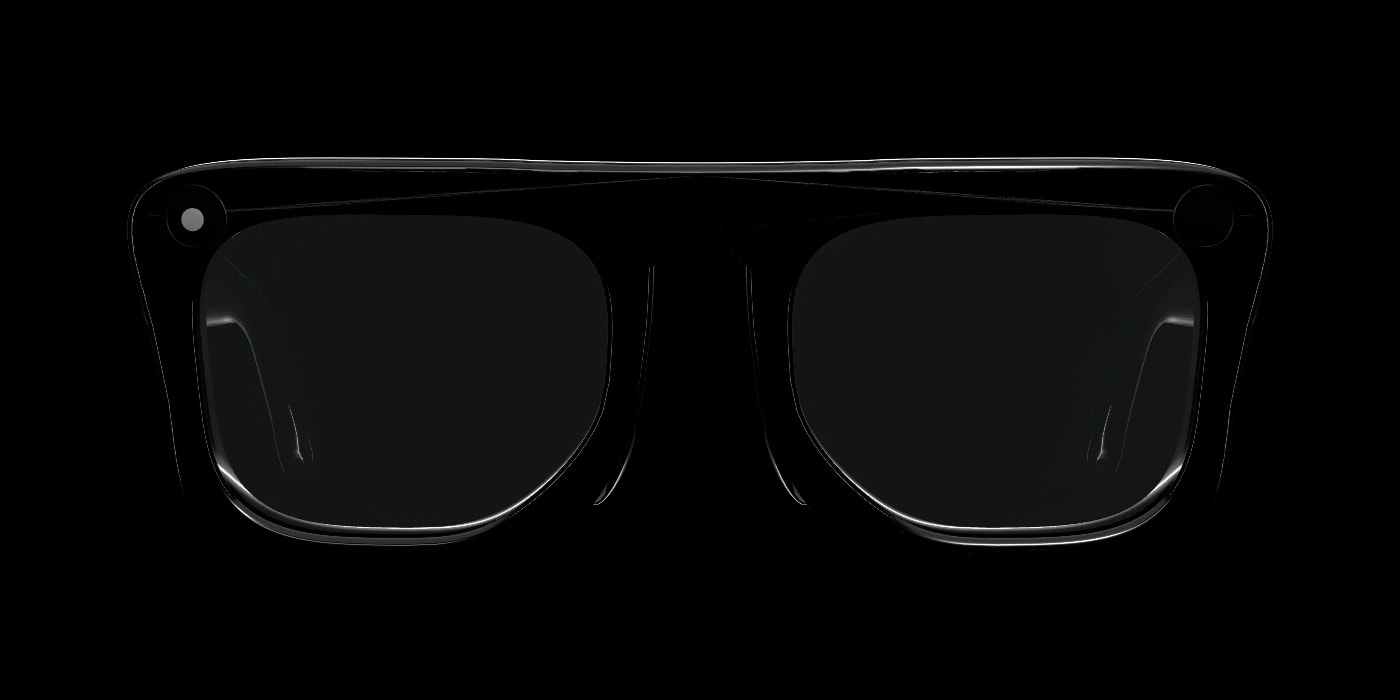
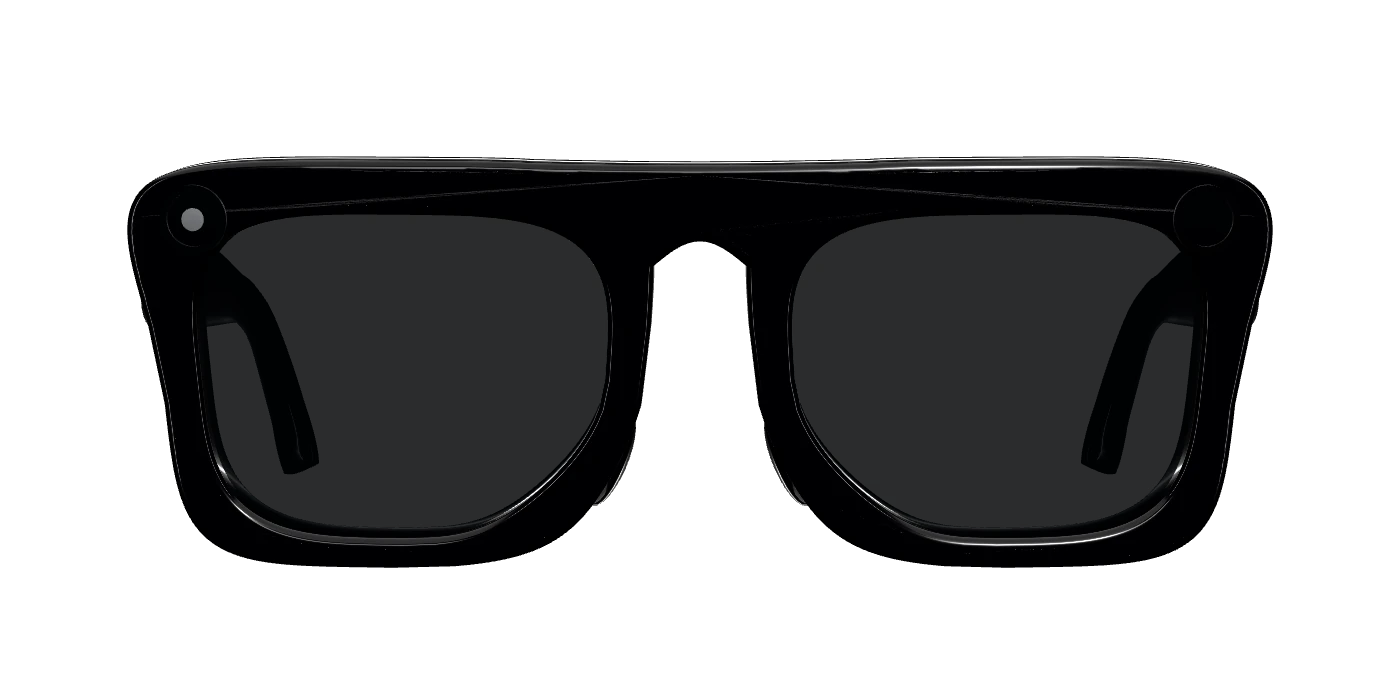
Three frames. Lenses that adapt.
Black, Sand and Tortoise, each its own item, and the Road Band on the wrist — all custom models.
Black
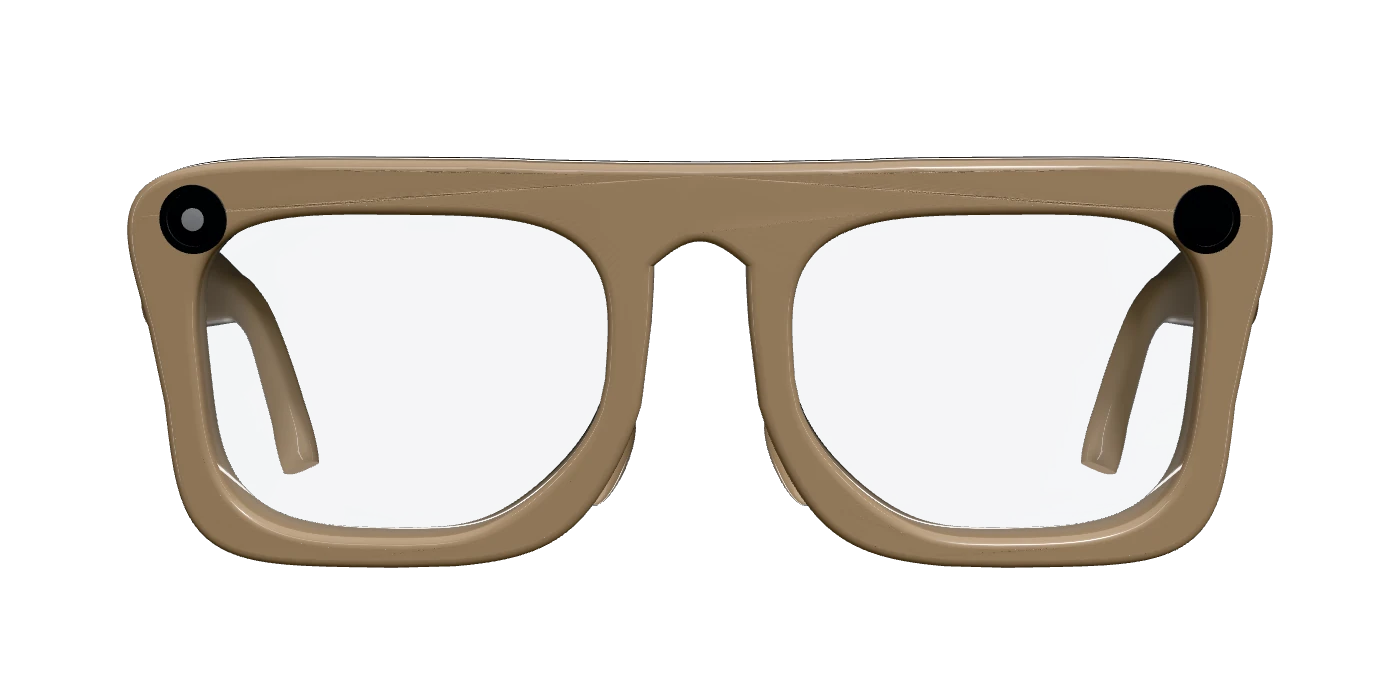
Sand
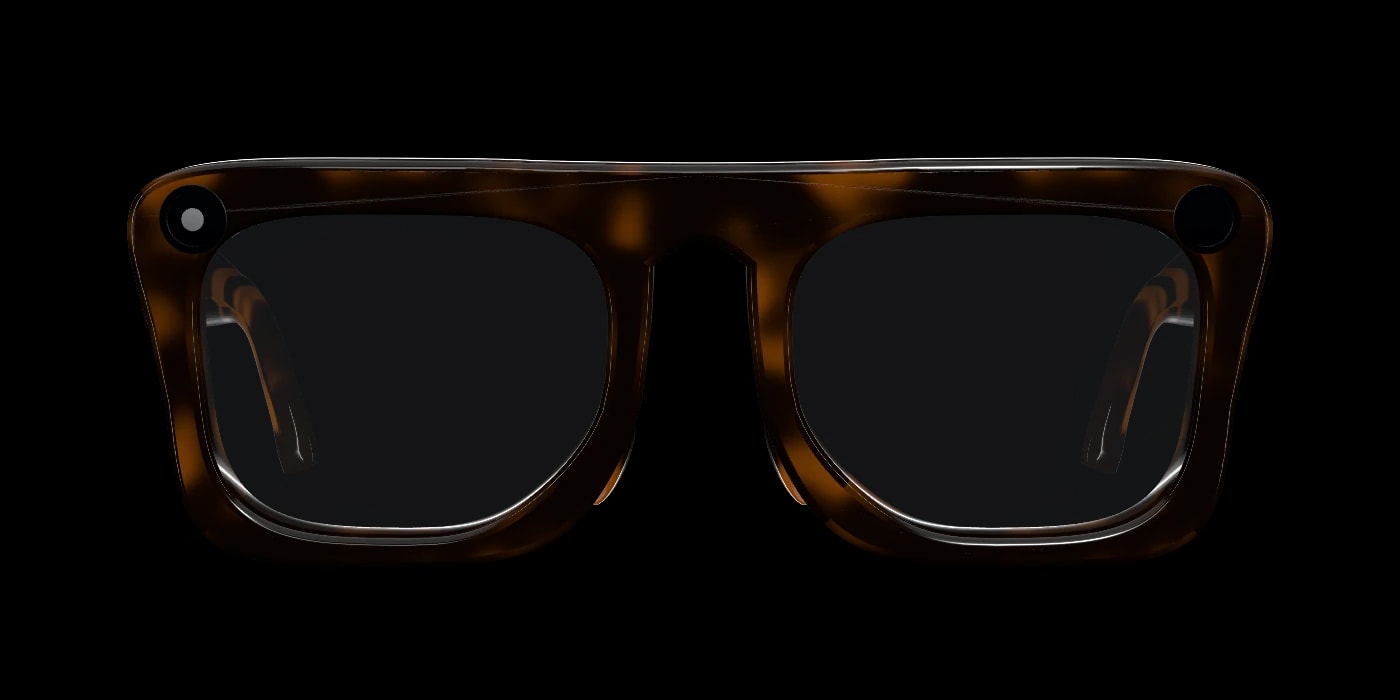
Tortoise
Adaptive lenses
Dark outdoors in daylight, clear at night and indoors.
Requirements
Built for RoadPhone Pro.
RoadPhone Pro
Phone features, RoadAI and Live Captions come through RoadPhone Pro. Without it the glasses still work, without those.
ox_lib and OneSync
Both are required.
Storage for photos and clips
A Fivemanage token, a Discord webhook for photos, or your own upload endpoint.
- ESX
- QBCore
- Qbox
- Standalone
Coming soon
Be the first to put them on.
Road Glasses are not in the store yet. Follow the Discord to hear the moment they are.